ELEGOO Centauri Carbon 2 Combo: what the multicolor CANVAS setup offers
An enclosed CoreXY printer with a 350 °C nozzle and a four-spool multicolor system. Here is what ELEGOO says it does, and what to weigh before you buy.
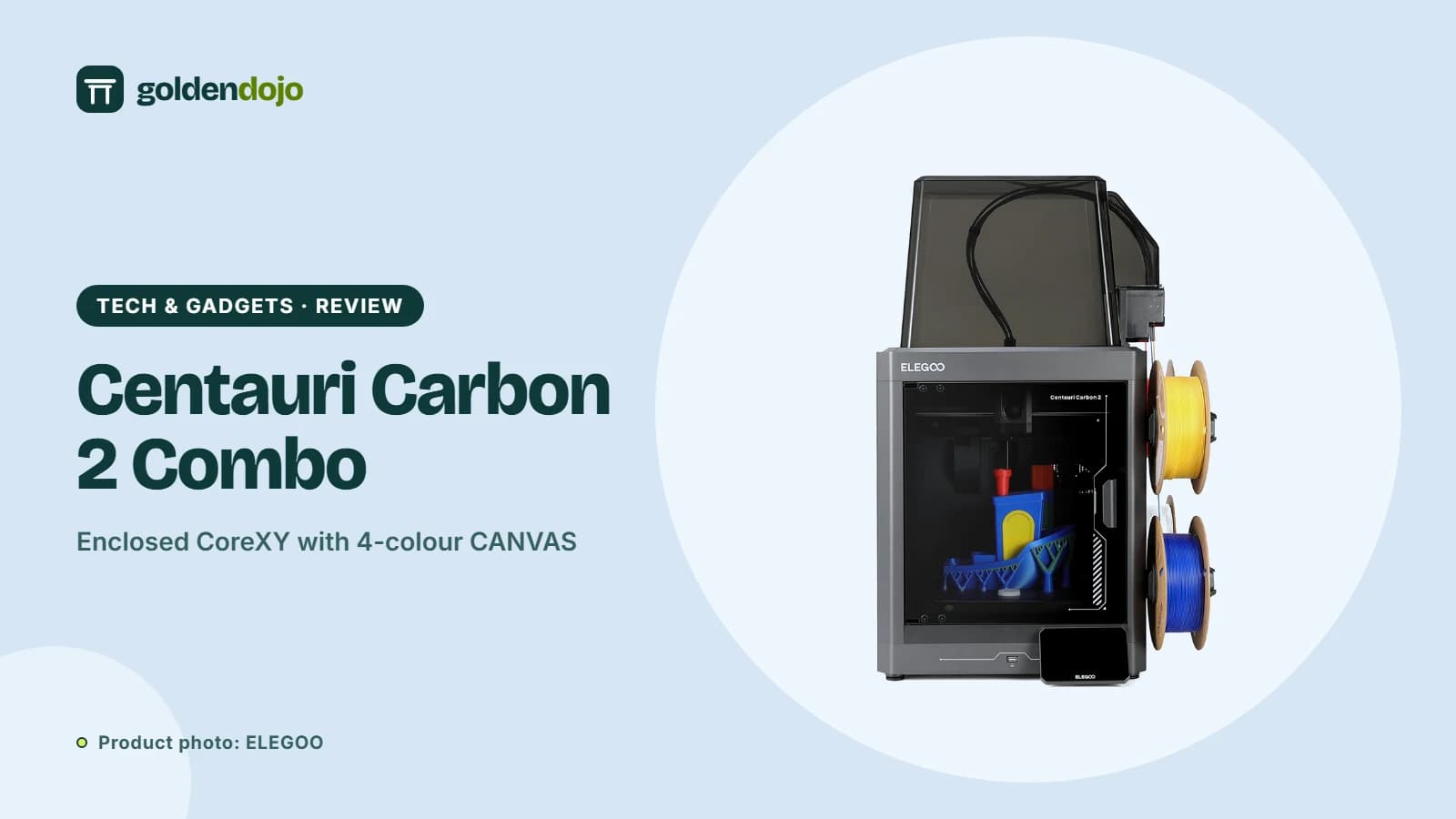
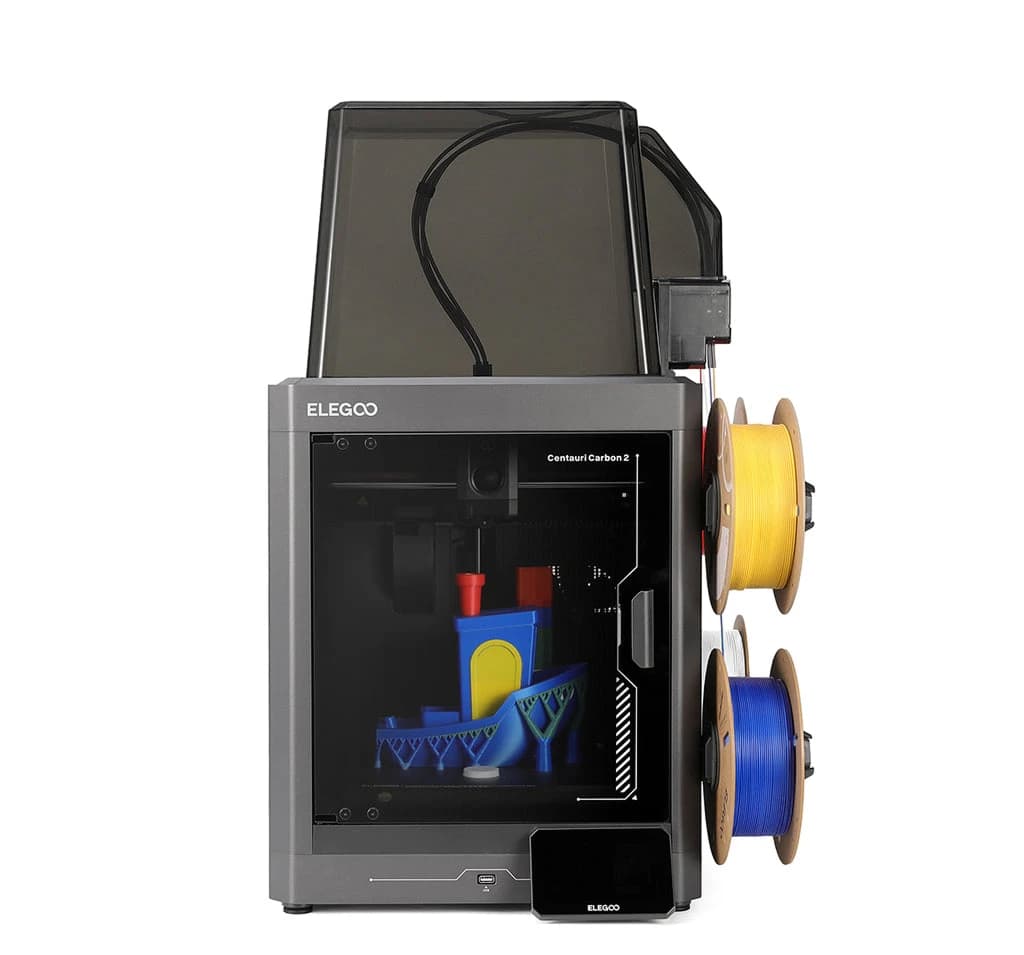
Most people who look at a 3D printer for the first time want two things: prints that come out right without a weekend of tuning, and the option to print in more than one color. The ELEGOO Centauri Carbon 2 Combo is built around both ideas. It pairs an enclosed CoreXY printer with ELEGOO's CANVAS multicolor system, and ELEGOO's product page leans hard on automation. This guide goes through what the manufacturer states, what it means in practice, and where you should read the fine print.
Key features
Build volume and motion. ELEGOO lists a 256 × 256 × 256 mm build volume on a CoreXY motion system, with velocity up to 500 mm/s and acceleration up to 20,000 mm/s². Two 4260 stepper motors drive the X and Y axes, and the frame and chassis are die-cast aluminum, which ELEGOO says keeps vibration down at speed.
CANVAS multicolor printing. The Combo supports four-color printing through CANVAS. ELEGOO describes instant color switching (independent motor control and short feed paths), automatic recognition of RFID-tagged ELEGOO filaments, auto refill when several identical spools are loaded, and tangle detection that pauses the print and rewinds unused filament.
Hotend and enclosure. A 350 °C hardened steel nozzle is aimed at tougher materials such as PC, PET and fiber-reinforced filaments. The bed reaches 110 °C. The chamber is enclosed with a thermal cover and an automatically controlled "smart grille" meant to keep each material at a suitable temperature.
Calibration and sensing. ELEGOO lists full-auto calibration, auto leveling, an automatic Z offset, active vibration compensation and pressure advance calibration. During a job, 31 sensors watch for problems, including clogs, filament runout, cutter status, exhaust grille position, fan failure, bed overheating and power loss recovery.
Noise and surfaces. ELEGOO states operation below 45 dB, measured with its PLA filament in Silent Mode with the auxiliary part cooling fan off, so expect real-world noise to vary with settings. The flexible plate is dual-sided: a PLA-specific surface and a textured PEI side.
Software. The ecosystem includes ElegooSlicer, the Nexprint model hub and the ELEGOO Matrix app for remote starts and monitoring.
Who it's for
- Color-first hobbyists. If figurines, signs or desk toys in several colors are the point, a built-in four-spool system saves you from swapping filament by hand.
- Beginners who want automation. Auto leveling, auto calibration and sensor monitoring are meant to reduce the tinkering phase.
- Households and shared rooms. The enclosure and the stated sub-45 dB figure suit a printer that lives in a living space, though you should check noise for yourself.
- Material explorers. The hardened nozzle and 110 °C bed open the door to engineering filaments, within the limits below.
Things to know before buying
- Spool size. ELEGOO notes the Combo's spool holder fits spools with an inner diameter of 53–58 mm. Larger spools need a printed adapter.
- TPU needs a step. TPU is natively supported by the Centauri Carbon 2, but on the Combo you install the Flexible Filament Adapter (model file and guide are on the included USB drive) and disconnect the CANVAS cable before printing.
- Abrasive filaments wear parts. CANVAS is compatible with fiber-reinforced filaments, but ELEGOO recommends regularly inspecting and replacing feed parts if you print them for long periods.
- Warranty. ELEGOO lists 12 months for brand-new Centauri Series machines, with exceptions. Consumables such as PEI plates, nozzles and hotend parts carry no warranty, and the extruder and printhead kit have a 6-month limited warranty.
- Prices and stock change. We do not quote prices. Check the current price and availability at the store before deciding.
What stands out
- Four-color printing and automatic refill through CANVAS
- Enclosed chamber with a 350 °C nozzle and 110 °C bed
- Full-auto calibration plus 31 monitoring sensors
- Stated operation under 45 dB in Silent Mode
What to weigh
- 256 mm cube is mid-sized, not large-format
- Spool inner diameter limit of 53–58 mm without an adapter
- TPU on the Combo needs an adapter and a disconnected CANVAS cable
- Consumables and some parts have limited or no warranty
How it compares to other ELEGOO printers
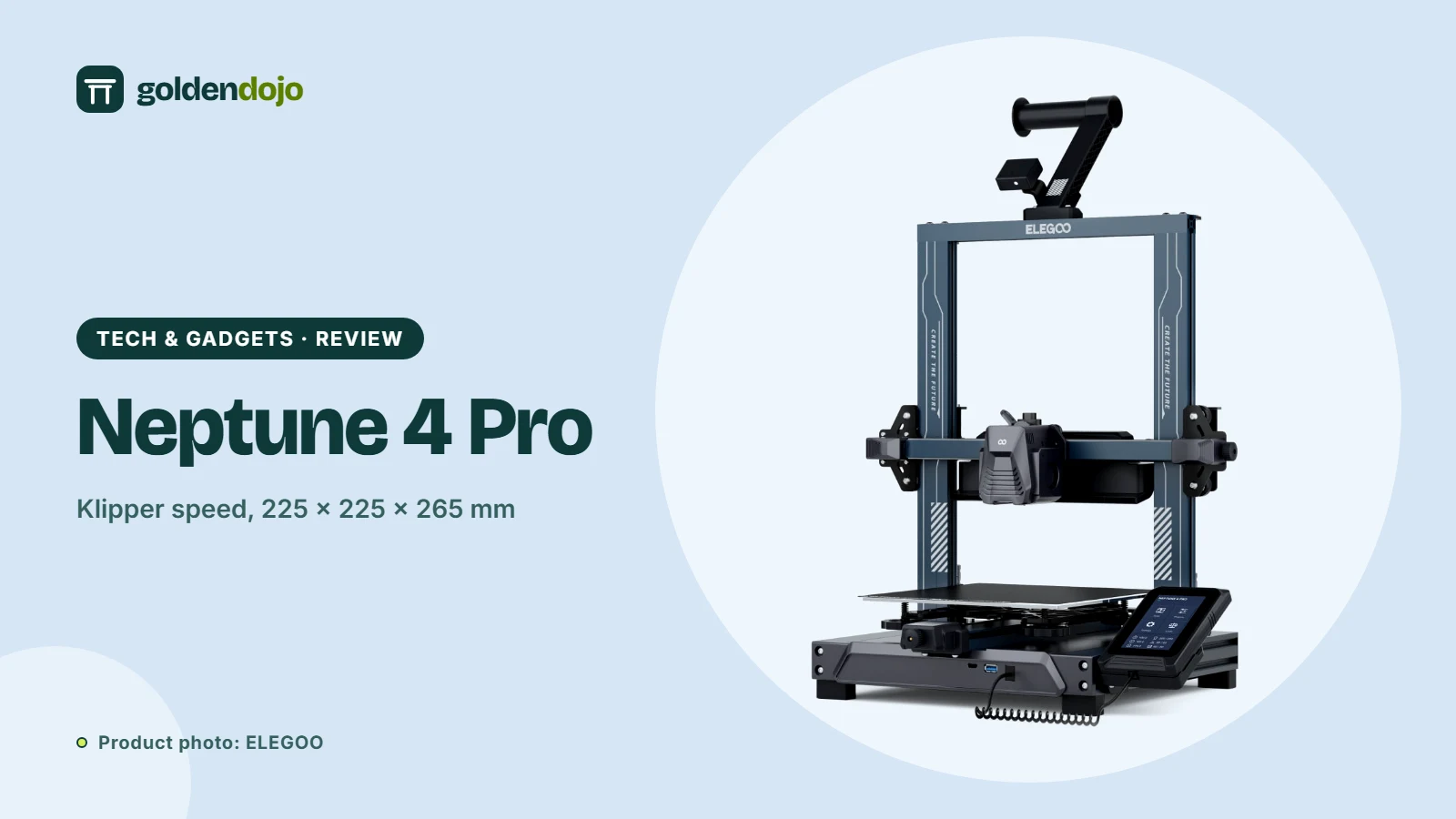
If you do not need color, ELEGOO's Neptune 4 Pro is an open-frame Klipper printer with a smaller 225 × 225 × 265 mm volume. If size is your priority instead, the OrangeStorm Giga offers 800 × 800 × 1000 mm. The Combo sits in between: compact, enclosed and focused on color.
Reading the claims with a cool head
Product pages show best-case numbers. The 500 mm/s velocity is a ceiling for the motion system, not a promise that every print runs at that speed, and quality settings, material and model shape will pull the real figure down. The same goes for the sub-45 dB noise level, which ELEGOO measured in Silent Mode with the auxiliary fan off. Treat these figures as a way to compare machines on equal terms, not as a forecast of your own results. What you can rely on is the feature list: an enclosure, a hardened nozzle, a four-spool system and a long sensor list tell you what the printer is designed to handle.
Terms explained
- CoreXY. A motion layout in which two motors work together to move the lightweight print head across the X and Y axes, while the bed only moves up and down. It is a common design for fast printers.
- Hardened steel nozzle. Standard brass nozzles wear down quickly with abrasive filaments such as carbon-fiber blends. Hardened steel resists that wear, which is why it is paired with fiber-reinforced materials here.
- Pressure advance. A firmware feature that adjusts extrusion as the print head speeds up and slows down, so corners and edges come out sharper.
- Active vibration compensation. Sensors and software counteract the ripples (called ringing or ghosting) that fast direction changes can leave on a surface.
- RFID filament detection. A tag on an ELEGOO spool tells the printer what material and color it is, so it can load recommended settings automatically.
A quick checklist before you order
ELEGOO Centauri Carbon 2 Combo
An enclosed CoreXY printer with CANVAS four-color printing, a 350 °C nozzle and 31 sensors, per ELEGOO's specifications.
Opens the ELEGOO store page in a new tab. Check current price and availability there.
See it in the ELEGOO storeQuestions readers ask
How many colors can the Centauri Carbon 2 Combo print?
ELEGOO describes four-color printing through its CANVAS system, with instant color switching and automatic refill when identical spools are loaded.
Is the printer enclosed?
Yes. ELEGOO lists an enclosed chamber with a thermal cover and an auto-controlled smart grille, intended to hold a suitable temperature for different materials.
Can it print TPU?
TPU is natively supported by the Centauri Carbon 2. On the Combo, ELEGOO says to install the Flexible Filament Adapter and disconnect the CANVAS cable before printing.
What is the build volume?
256 × 256 × 256 mm, according to ELEGOO's product page.
Does it work with filament from other brands?
RFID recognition applies to ELEGOO's RFID-tagged filaments, which load their recommended settings automatically. For other spools, check the 53–58 mm inner diameter limit on the spool holder.
How this review was made. This is a research-based review. It weighs published specifications, standards and public information; Golden Dojo has not hands-on tested the products or product types discussed. See how we review.
Affiliate notice. Some links on this page may become affiliate links. If you buy through them we may earn a commission at no extra cost to you, and it never changes what we recommend. Read our affiliate disclosure.
Related stories
 Maker tech
ELEGOO Neptune 4 Pro: a Klipper-powered FDM printer, explained
A research-based look at the ELEGOO Neptune 4 Pro: Klipper speed, extruder, segmented heatbed, materials and who it suits.
Read more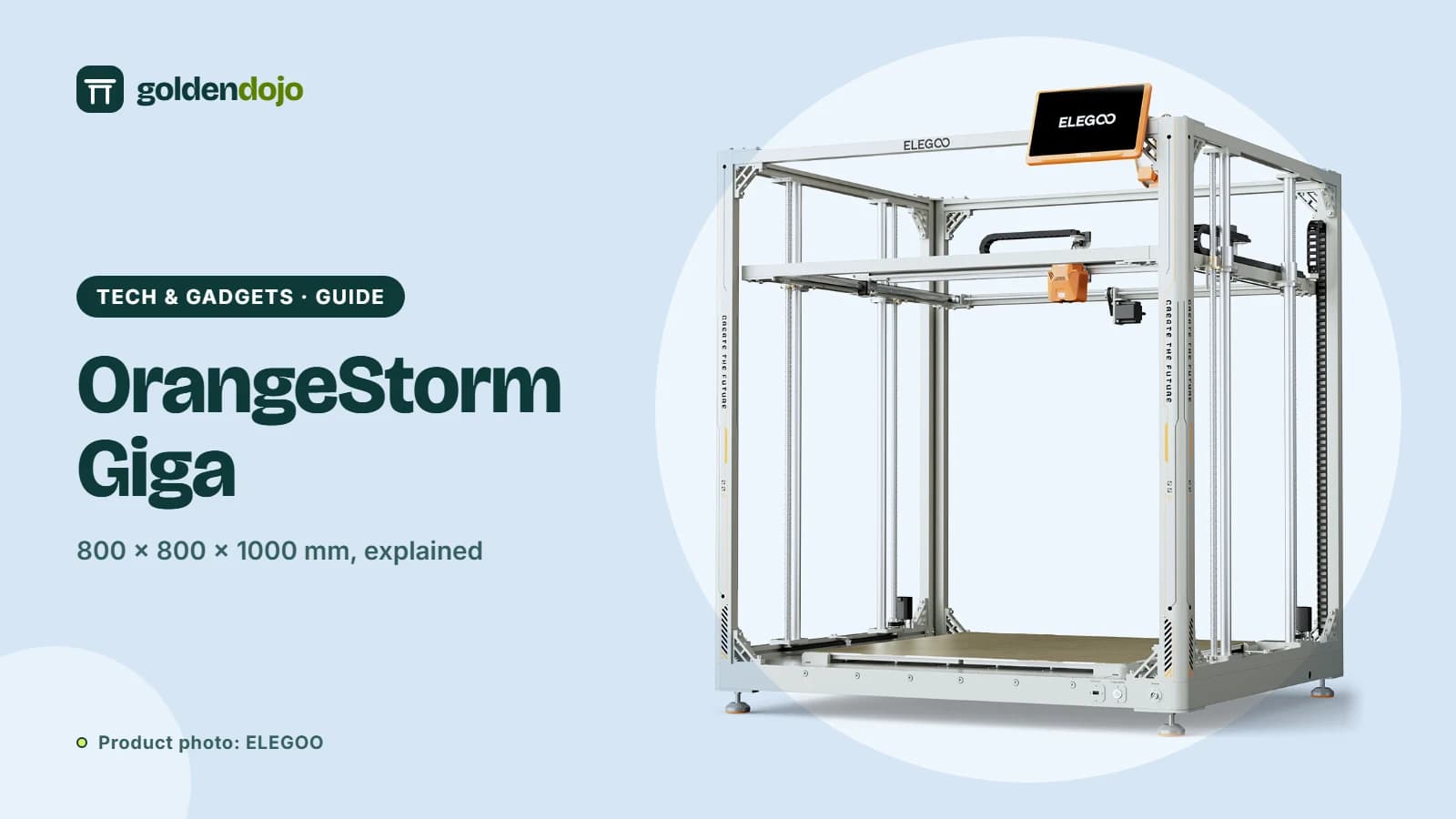 Maker tech
ELEGOO OrangeStorm Giga: is an 800 mm build volume right for you?
A guide to the ELEGOO OrangeStorm Giga: build volume, four-zone heated bed, multi-nozzle option, and the practical limits of printing at this size.
Read more Maker tech
ELEGOO Jupiter 2: a large 16K resin printer with automatic resin feeding
A research-based look at the ELEGOO Jupiter 2: build volume, 16K resolution, automatic resin feeding, camera and who it suits.
Read more