ELEGOO Neptune 4 Pro: a Klipper-powered FDM printer, explained
An open-frame printer with Klipper firmware, a 300 °C nozzle and 121-point auto leveling. What the specs mean and what to check before you commit.
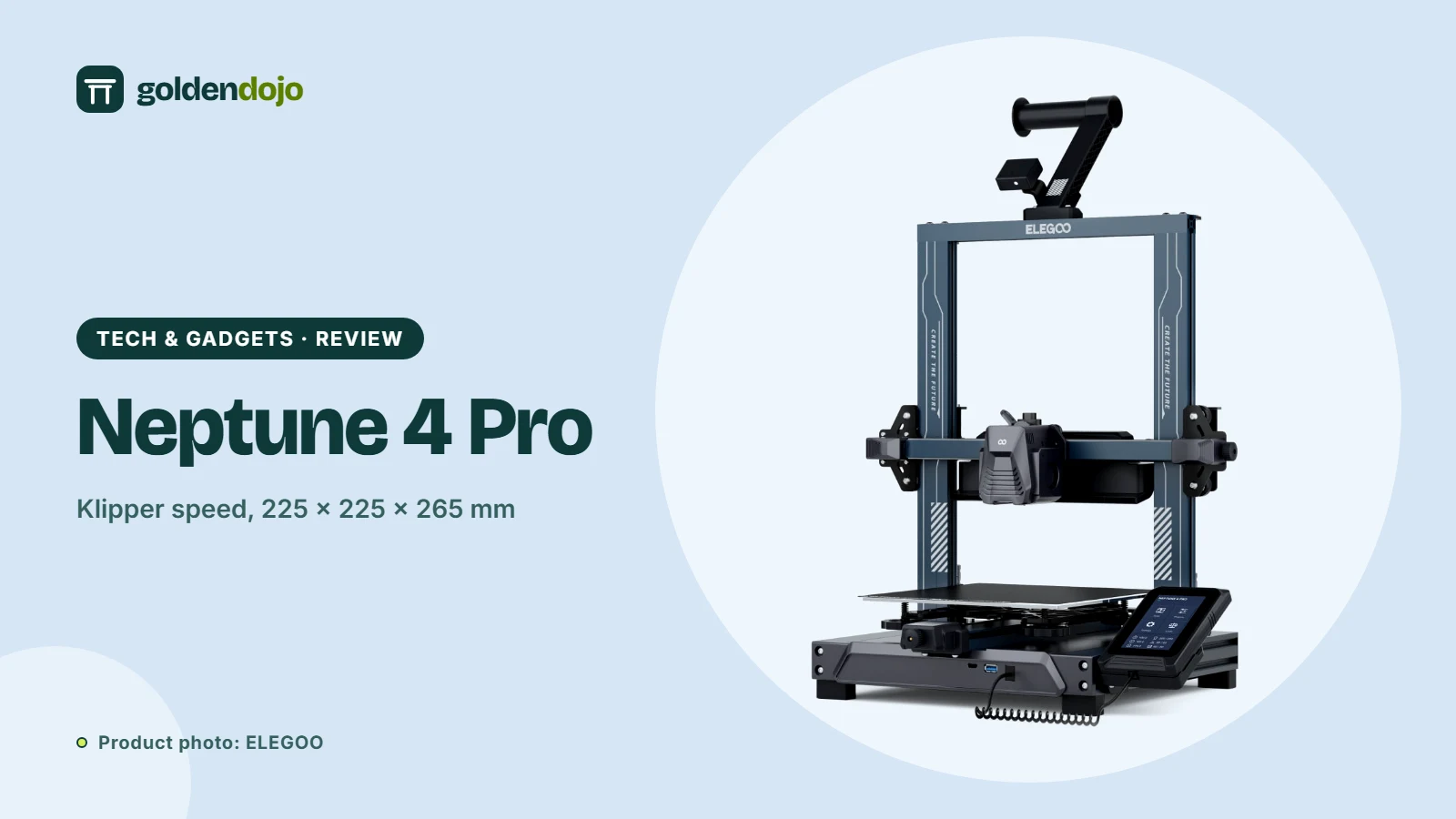
Printing speed used to be the thing hobbyists traded away for reliability. Klipper firmware, running on a more capable processor, is one of the reasons that trade-off has softened. The ELEGOO Neptune 4 Pro ships with Klipper pre-installed and pairs it with an auto-leveling bed, a direct-drive extruder and a 300 °C nozzle. This guide walks through what ELEGOO states, translates the jargon and flags the details worth a second look.
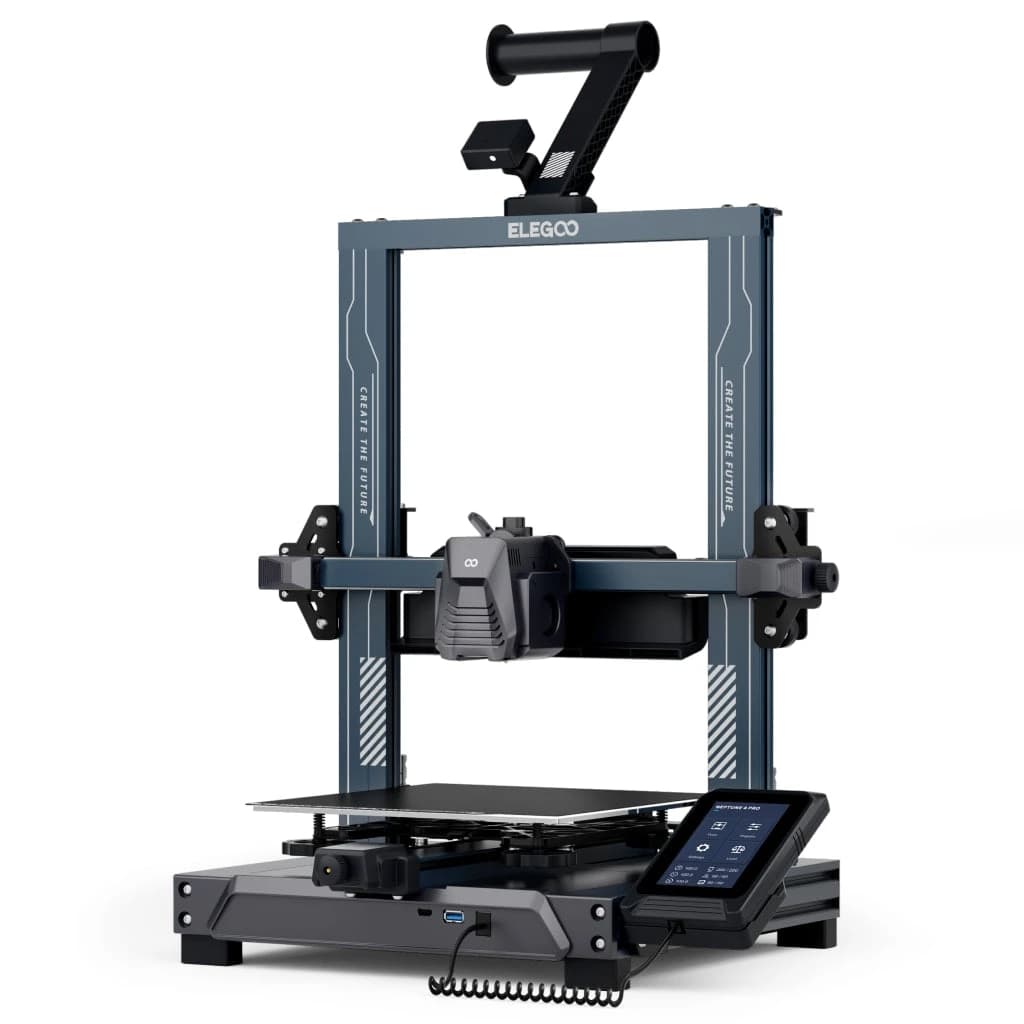
Key features
Klipper and speed. The printer uses a Klipper motherboard with an ARM 64-bit, 1.5 GHz quad-core processor. ELEGOO lists a maximum tool-head speed of 500 mm/s and acceleration up to 20,000 mm/s², while recommending 250 mm/s for everyday printing. Input shaping (which reduces ripples caused by vibration) and pressure advance (which compensates for pressure in the nozzle to reduce blobs and ooze) are supported.
Extruder and hotend. A dual-gear direct-drive extruder with a 5.2:1 reduction ratio is meant to grip filament firmly, including flexible filament. ELEGOO says the extruder weighs 75% of the one on the Neptune 3 Pro. The nozzle reaches 300 °C, and the listed filament compatibility is PLA, TPU, PETG, ABS, ASA and nylon.
Bed and leveling. The build volume is 225 × 225 × 265 mm, with a PEI platform area of 235 × 235 mm. The heatbed is segmented (100 W plus 150 W): the slicer detects the model size and activates the outer heating zone only when the part is larger than the 120 × 120 mm center zone. Leveling uses 121 points (11 × 11), with hand-twist knobs for fine-tuning. The dual-sided plate pairs a PLA-specific surface with a textured PEI side.
Cooling and quiet motion. Two 4015 fans sit on the print head, with four 4020 ball bearing blower fans behind it. Silent drivers keep noise below 50 dB by ELEGOO's figures, and a dual Z lead screw and dual motor design aims to keep the gantry level.
Everyday conveniences. A removable touch screen, power loss recovery, filament detection, LAN and USB file transfer and OTA firmware updates round out the package. ELEGOO notes this is the Type-C version with OTA updates and advises checking that any parts you buy are compatible.
Who it's for
- Tinkerers who like tuning. Klipper's input shaping and pressure advance reward people who enjoy dialing in quality.
- Single-color makers. Functional parts, prototypes and models do not need a multicolor system.
- Anyone who values speed. The 500 mm/s ceiling is a headline spec, though you will likely run slower for quality.
- Desk-sized workshops. The footprint is 475 × 445 × 515 mm and the printer weighs 8.9 kg net, so it fits a bench.
Things to know before buying
- ABS and ASA want an enclosure. ELEGOO itself recommends using a 3D printer enclosure with these materials.
- Max speed is not everyday speed. The 500 mm/s figure and the recommended 250 mm/s are different numbers. Quality and acceleration limits shape what you will actually use.
- Assembly is part of the deal. The box contains the base unit, gantry frame, spool holder arm, touch screen, filament detector and tools, so expect some setup.
- Remote control is local. Once connected to your LAN, you can use a web terminal for control and monitoring.
- Prices and stock change. Check current pricing at the store.
What stands out
- Klipper pre-installed, with input shaping and pressure advance
- Segmented heatbed and 121-point auto leveling
- 300 °C nozzle for a wide range of filaments
- Silent drivers, stated below 50 dB
What to weigh
- Open frame, so ABS and ASA call for an enclosure
- Single-material printing only
- Some assembly required
- 225 × 225 × 265 mm is smaller than larger-format machines
Where it sits in the ELEGOO range
If you want an enclosed printer with multicolor, read our look at the Centauri Carbon 2 Combo. If you need to print much larger objects, the OrangeStorm Giga is ELEGOO's large-format option.
Reading the claims with a cool head
The headline 500 mm/s is a maximum, and ELEGOO itself recommends 250 mm/s. That gap is useful information: it suggests the printer is built to be fast, but that clean surfaces come from sensible settings. Similarly, "below 50 dB" is a design target, and noise will depend on speed, fan settings and the surface your printer sits on. The more durable facts are the hardware ones: the direct-drive extruder, the segmented bed, the dual Z lead screws and the Klipper firmware. Those are the parts of the spec sheet that tell you what kind of tuning and maintenance experience to expect.
Terms explained
- Klipper. Printer firmware that runs on a more capable processor and handles the heavy motion calculations, which is what makes higher speeds and extra tuning features practical.
- Input shaping. Software that cancels out vibration at the print head, reducing the ripples (ringing) that appear behind sharp corners at speed.
- Pressure advance. A way to predict nozzle pressure so extrusion stays consistent when the head speeds up or slows down, with less blobbing and ooze.
- Direct-drive extruder. The extruder sits right above the nozzle instead of at a distance, which gives you tighter control over flexible filaments such as TPU.
- Segmented heatbed. A bed that can heat only the zone under the model, which ELEGOO says is activated automatically by the slicer based on part size.
A quick checklist before you order
ELEGOO Neptune 4 Pro
A Klipper-based FDM printer with a 300 °C nozzle, a segmented heatbed and 121-point auto leveling, per ELEGOO's listing.
Opens the ELEGOO store page in a new tab. Check current price and availability there.
See it in the ELEGOO storeQuestions readers ask
What is Klipper and why does it matter?
Klipper is printer firmware that moves heavy calculation to a more powerful processor. ELEGOO says it enables higher speeds plus features such as input shaping and pressure advance, and it comes pre-installed.
What is the build volume?
225 × 225 × 265 mm, with a 235 × 235 mm PEI platform, according to ELEGOO.
Which filaments does it support?
ELEGOO lists PLA, TPU, PETG, ABS, ASA and nylon. It recommends an enclosure for ABS and ASA.
Does it level the bed automatically?
Yes. It uses 121-point (11 × 11) auto bed leveling, with hand-twist knobs for additional fine-tuning.
How do I send files to it?
Via USB or over your LAN. ELEGOO lists STL and OBJ as supported file formats.
How this review was made. This is a research-based review. It weighs published specifications, standards and public information; Golden Dojo has not hands-on tested the products or product types discussed. See how we review.
Affiliate notice. Some links on this page may become affiliate links. If you buy through them we may earn a commission at no extra cost to you, and it never changes what we recommend. Read our affiliate disclosure.
Related stories
 Maker tech
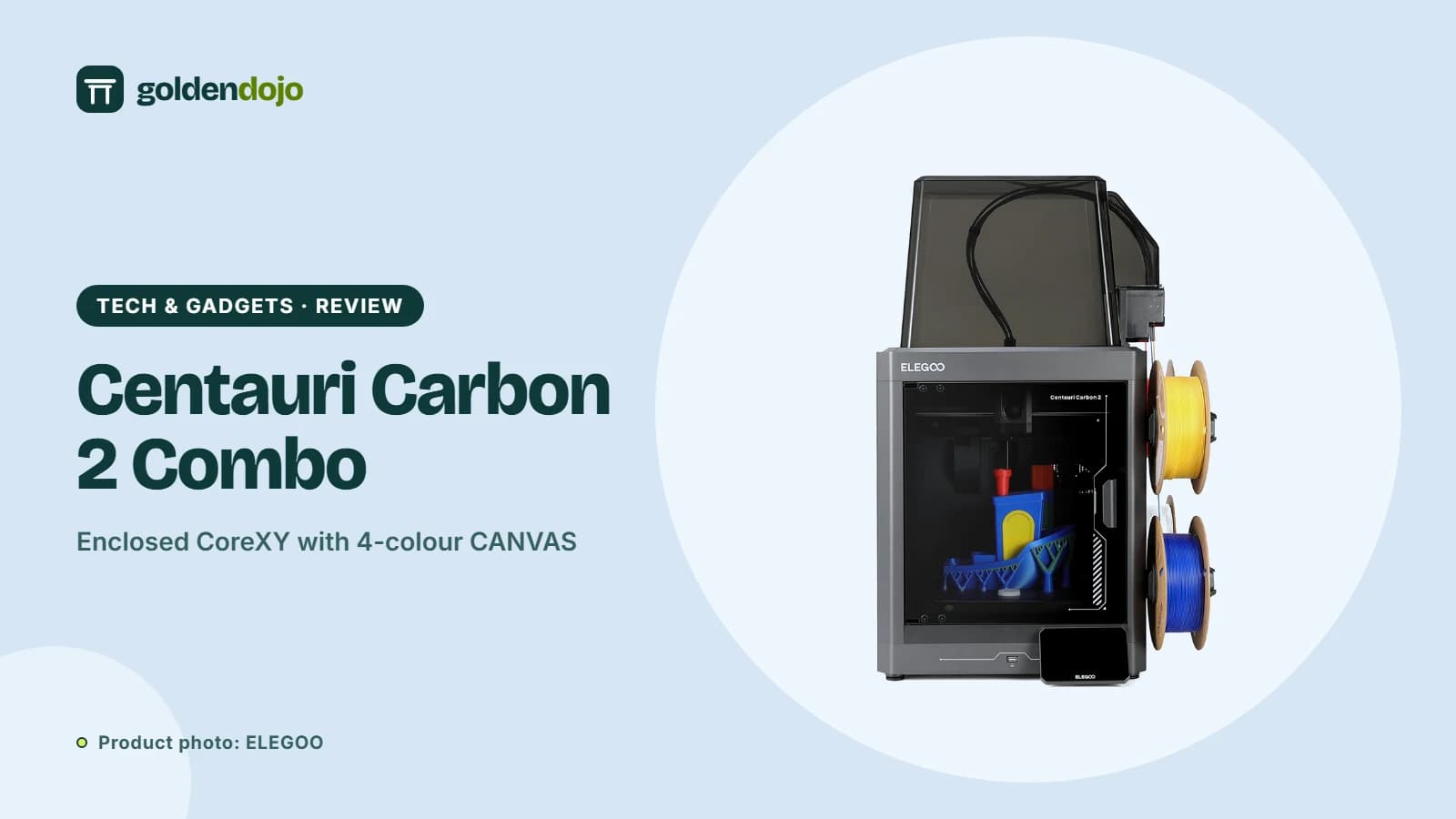
ELEGOO Centauri Carbon 2 Combo: what the multicolor CANVAS setup offers
A research-based look at the ELEGOO Centauri Carbon 2 Combo: build volume, CANVAS multicolor printing, enclosure, sensors and who it suits.
Read more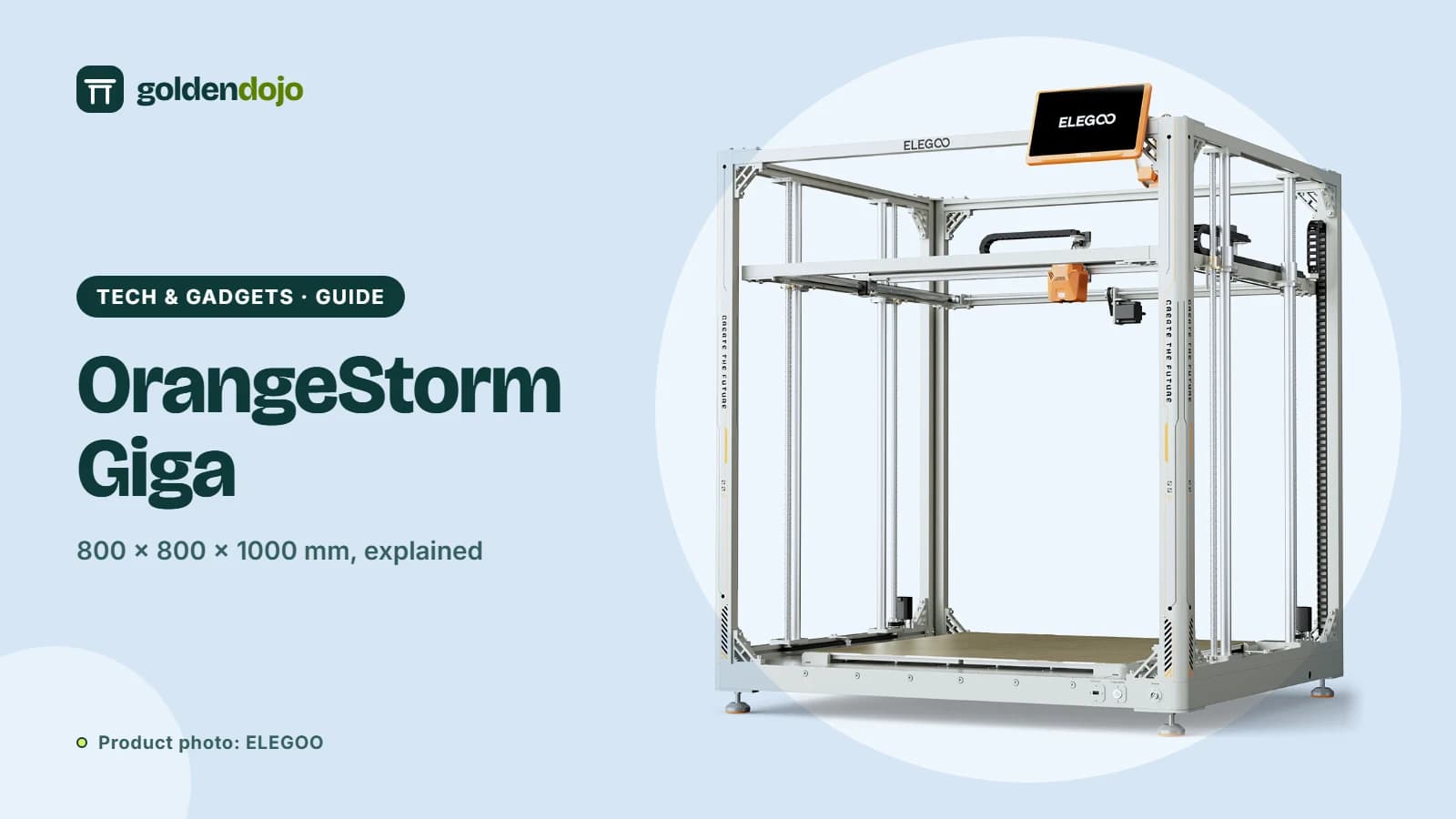 Maker tech
ELEGOO OrangeStorm Giga: is an 800 mm build volume right for you?
A guide to the ELEGOO OrangeStorm Giga: build volume, four-zone heated bed, multi-nozzle option, and the practical limits of printing at this size.
Read more Maker tech
ELEGOO Jupiter 2: a large 16K resin printer with automatic resin feeding
A research-based look at the ELEGOO Jupiter 2: build volume, 16K resolution, automatic resin feeding, camera and who it suits.
Read more