Standing desks: what to check before you buy (a research-based review)
Wobble, motor noise, weight capacity and cable management are decided by a few published specifications. Here is how to read them.
Standing desks look simple: a top, two legs, a motor. In practice, the frame and the control box are where cheap and good designs diverge. This is a research-based review. We have not hands-on tested desks for this piece; instead we explain what the published specifications mean and which ones predict problems, based on manufacturer documentation, safety standards and common ergonomics guidance.
Why a standing desk at all?
Ergonomics guidance generally recommends varying your posture through the day rather than standing for hours. A sit-stand desk makes alternating easy. It will not fix a poor chair, a low monitor or a lack of movement, so budget for those first if they are weak.
Frame: where stability comes from
The frame determines wobble far more than the desktop does.
| Spec | What it means | What to look for |
|---|---|---|
| Number of motors | Single motor drives both legs through a shaft; dual motors drive each leg | Dual motors tend to lift more weight and run smoother |
| Lift stages | Two-stage or three-stage telescoping legs | Three-stage reaches a wider height range but can wobble more at full height |
| Leg shape | Round, square or rectangular tubing | Thicker, wider tubing usually resists sway better |
| Foot design | T-shaped or C-shaped | C-shaped feet can have less back-to-front stability |
| Crossbar | A bar linking the legs | Adds rigidity, but can limit legroom |
Wobble is worst when the desk is fully raised and the top is deep with a monitor arm on it. If you are tall, check the maximum height listed, because an extended desk magnifies any weakness in the frame.
Weight capacity, honestly
Capacity ratings are stated by the manufacturer and are usually measured with weight evenly distributed. Add your monitors, arm, computer, speakers and anything stored on the desk, then leave at least 30 percent headroom. Look for a rating you can find in the documentation rather than only in a marketing banner.
Motor, speed and noise
Two numbers to find: lift speed (millimetres per second) and noise (decibels, if published). Treat decibel claims cautiously, since test methods differ. Quieter operation is usually associated with better motors and gearing, but you cannot confirm it from a spec sheet alone. A return policy that covers delivered large items is more valuable than any noise figure.
Controls and memory presets
Memory presets let you recall sitting and standing heights. Anti-collision detection stops the desk when it meets resistance and can protect a drawer or chair. Check that the controller can be replaced separately, since it is the part most likely to fail first.
Desktop and cable management
- Material: solid wood, bamboo, laminate or MDF with veneer. Heavier tops add stability but also load the motors.
- Size: measure your monitor setup and elbow room. A 140 cm wide top suits one or two monitors; wider suits multiple screens.
- Cables: look for a cable tray or grommet holes, and leave slack so the desk can travel without pulling cables taut.
- Edge shape: a rounded front edge is more comfortable for forearms.
Safety and standards
Electrical safety marks (such as UL in North America and CE in Europe) show a product has been assessed against a standard. They are not a quality guarantee, but a desk without any is a red flag. Check the maker’s support documentation for assembly, safe-use limits and what happens during a power cut.
What a good spec sheet promises
- Stable frame geometry and a clear capacity rating
- Replaceable controller and a long warranty on motors and frame
- Documented height range that fits you
What a spec sheet cannot tell you
- Real-world wobble at your standing height
- Long-term motor reliability
- How loud it is in your room
Decision checklist
What to shop for: dual-motor, three-stage frame with a 5-year-plus warranty
This specification profile addresses the most common failure points: wobble, motor strain and short coverage.
Placeholder link: affiliate links will be added here. Prices change; check the retailer.
Browse optionsQuestions readers ask
How long should I stand each day?
Guidance generally favours changing posture often rather than standing for long continuous periods. Try short stints of standing alternating with sitting, and move regularly.
Is a bigger desktop always better?
No. Larger tops are heavier and place more load on the frame. Choose the size that fits your equipment and room.
Do I need an anti-fatigue mat?
Some people find it more comfortable to stand on a cushioned mat. It is optional and a matter of preference.
Can I add a standing desk converter instead?
A converter sits on an existing desk and is cheaper and portable, but it limits your keyboard and monitor positioning and can wobble more. A full desk is more stable.
How this review was made. This is a research-based review. It weighs published specifications, standards and public information; Golden Dojo has not hands-on tested the products or product types discussed. See how we review.
Affiliate notice. Some links on this page may become affiliate links. If you buy through them we may earn a commission at no extra cost to you, and it never changes what we recommend. Read our affiliate disclosure.
Related stories
 Maker tech
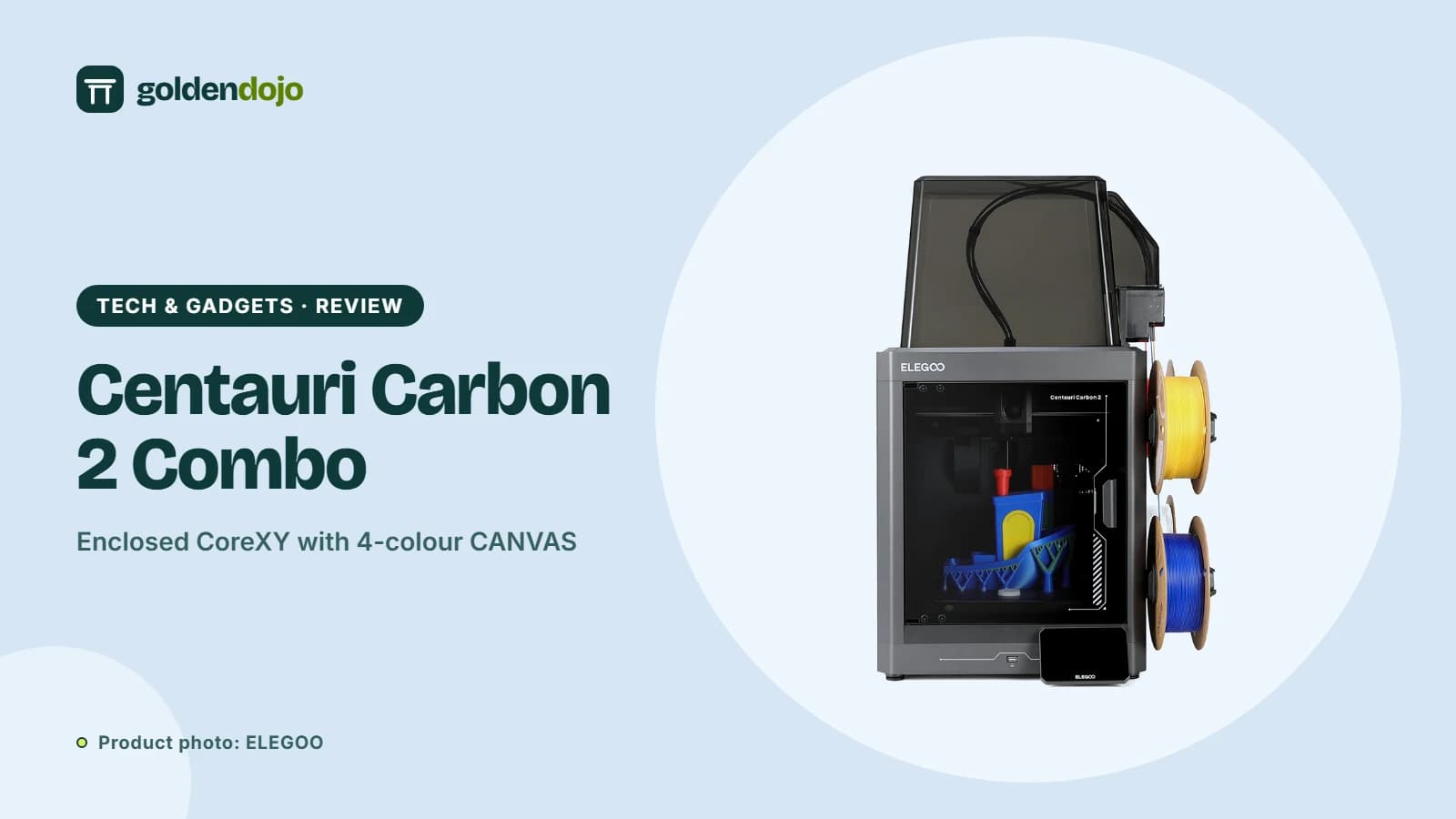
ELEGOO Centauri Carbon 2 Combo: what the multicolor CANVAS setup offers
A research-based look at the ELEGOO Centauri Carbon 2 Combo: build volume, CANVAS multicolor printing, enclosure, sensors and who it suits.
Read more Maker tech
ELEGOO Jupiter 2: a large 16K resin printer with automatic resin feeding
A research-based look at the ELEGOO Jupiter 2: build volume, 16K resolution, automatic resin feeding, camera and who it suits.
Read more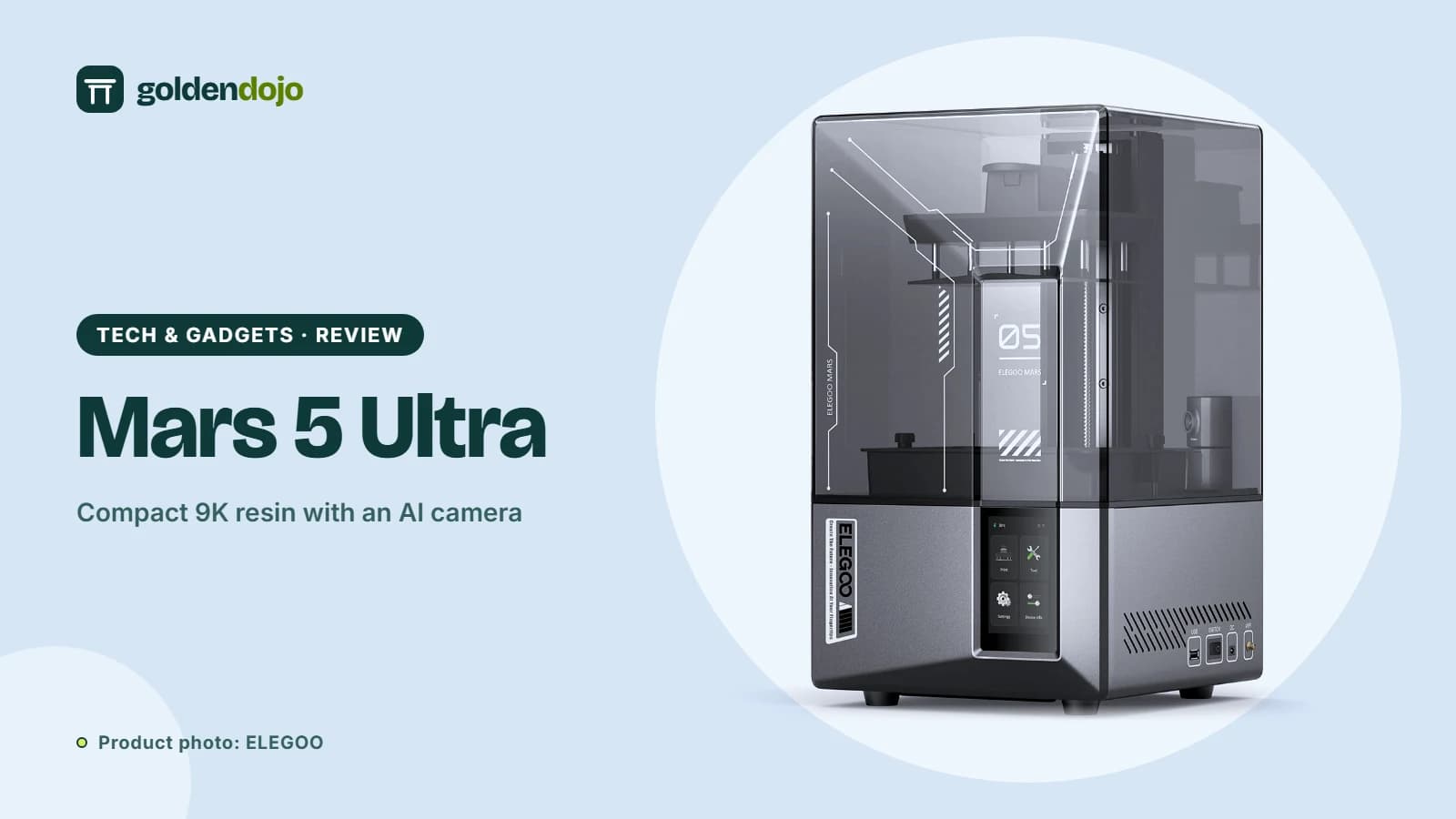 Maker tech
ELEGOO Mars 5 Ultra: a compact 9K resin printer for first-timers
A research-based look at the ELEGOO Mars 5 Ultra: 9K screen, 150 mm/h speed, self-check, AI camera, build volume and who it suits.
Read more