ELEGOO Mars 5 Ultra: a compact 9K resin printer for first-timers
A 7-inch 9K resin printer with auto leveling, an AI camera and tilt release. What ELEGOO says it does, and what a first resin buyer should check.
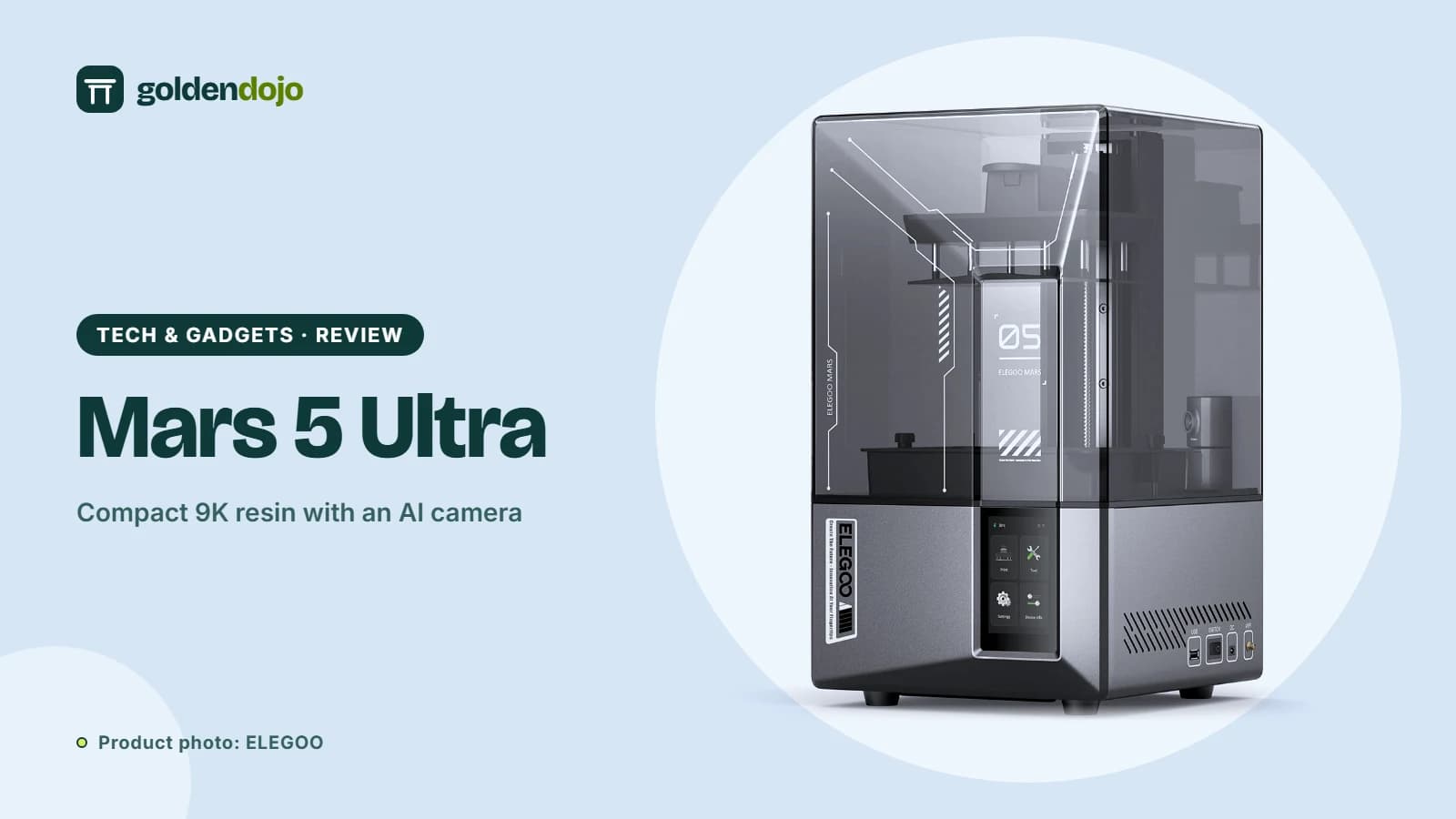
If you have never used a resin printer, the hardest part is rarely the printing itself. It is leveling the plate, spotting failed prints early and coping with the mess. The ELEGOO Mars 5 Ultra is designed around those pain points. ELEGOO describes it as plug-and-play, with automatic leveling, a one-click self-check and an AI camera. This guide sets out what the manufacturer states and where a beginner should be careful.
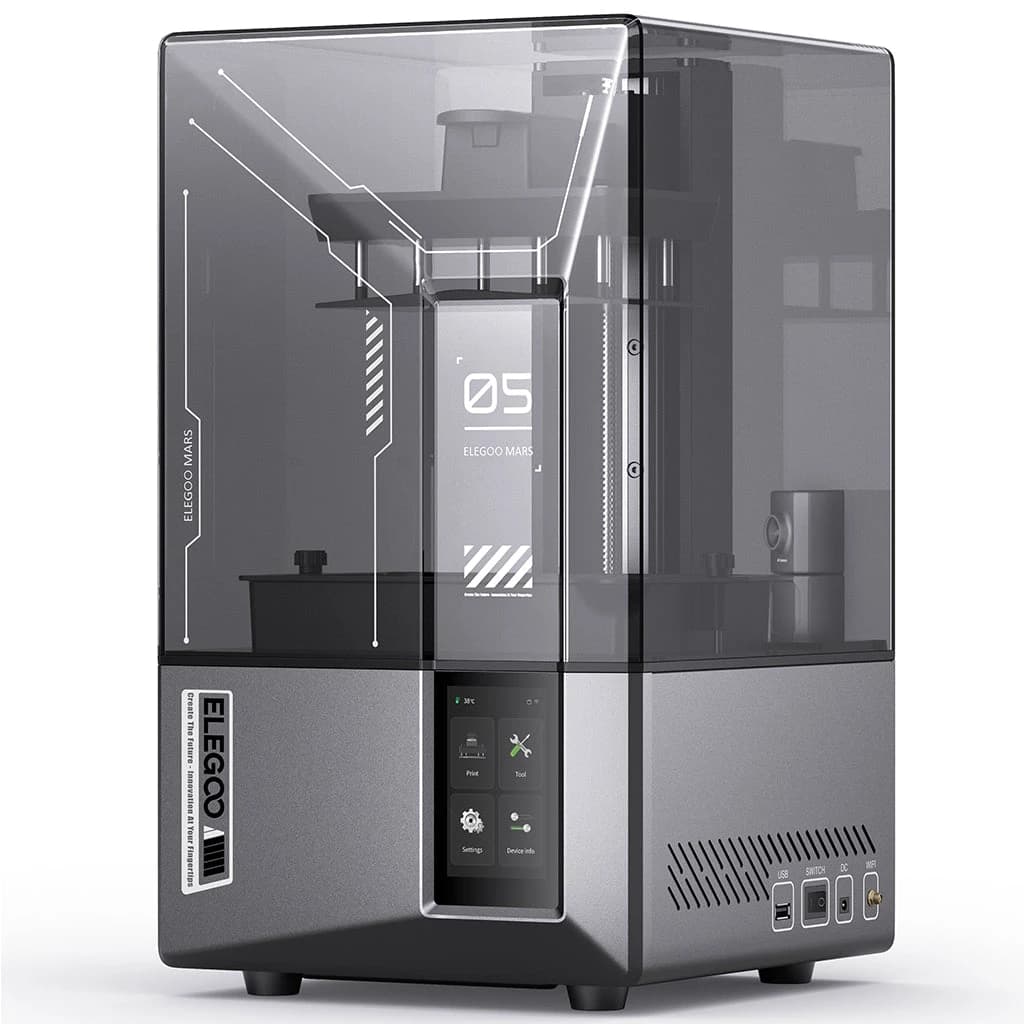
Key features
Screen and detail. The Mars 5 Ultra uses a 7-inch monochrome LCD with a 9K resolution (8520 × 4320) and an 18 × 18 μm XY resolution. A COB light source at 405 nm is listed with 92% light uniformity. Layer thickness ranges from 0.01 to 0.2 mm, and ELEGOO gives a Z-axis accuracy of 0.02 mm.
Build volume. 153.36 × 77.76 × 165 mm. This is a compact build area, best for miniatures and small parts.
Speed. Tilt release technology peels the model from the release film quickly, and ELEGOO states speeds up to 150 mm/h. You can switch between fast and slow print modes.
Self-check and leveling. One click runs a self-check on the components. Automatic leveling uses a smart mechanical sensor, so there is no manual calibration. ELEGOO says the device reminds you to replace the release film as accumulated use approaches 60,000 cycles.
AI camera. The camera provides real-time monitoring, time-lapse recording and detection of empty build plates and model warping. ELEGOO notes that AI detection results may vary with the environment, models and resin types.
Sensors and protection. The mechanical sensor handles residue detection (to protect the LCD), resin shortage alarms and leveling failure alarms. If LED temperature exceeds 80 °C, printing halts automatically, and printing resumes from where it stopped after a power outage.
Handling details. A quick-release build plate, a resin tank with dual pour spouts, replaceable lock screws and a drip tray. A 9H tempered glass protector covers the LCD, and the build plate is laser-engraved.
System. Wi-Fi cluster printing, a self-developed system with 8 GB of ROM, a touch screen, and section-based exposure. The slicer listed is Chitubox, and USB and Wi-Fi are the connection methods.
Who it's for
- First-time resin buyers who want automation and safeguards.
- Miniature painters and tabletop gamers printing small models.
- Small desks and shelves. The machine measures 260 × 268 × 451.5 mm and weighs 8.8 kg net.
- People who want camera monitoring without adding a third-party camera.
Things to know before buying
- Resin safety. Liquid resin needs gloves, ventilation and careful cleanup. The box includes a mask and gloves, among other items.
- You need post-processing. Prints must be washed and cured. Plan that gear and space.
- Odor. ELEGOO says the Mars Mate air purifier absorbs resin odor with up to 95% purification efficiency for TVOC. ELEGOO lists the printer as compatible with it, but it is a separate accessory.
- Resin compatibility. ELEGOO states the printer supports most resins on the market, including water-washable, standard, ABS-like and plant-based types.
- Prices and stock change. Check the store for current details.
What stands out
- 9K screen with 18 μm XY resolution
- Auto leveling and one-click self-check
- AI camera with time-lapse and warp detection
- Power-loss resume and overheat protection
What to weigh
- Small 153.36 × 77.76 × 165 mm build volume
- Resin handling, washing and curing add work
- AI detection can vary with environment and resin
- Air purifier is a separate accessory
Thinking about stepping up
If detail and space are priorities, the Saturn 4 Ultra 16K offers a 10-inch 16K screen and 30 °C tank heating. If you are drawn to printing on a different scale altogether, the OrangeStorm Giga is a filament printer with an 800 mm build volume.
Reading the claims with a cool head
"Plug-and-play" and "for all skill levels" are marketing phrases, and what they really describe is a set of helpful features: automatic leveling, a one-click self-check and sensor alarms. Those do remove some of the usual first-print obstacles. They do not remove the work of resin printing itself, which includes choosing settings, supporting models, washing and curing. ELEGOO also notes that AI detection results can vary with the environment, models and resin. A sensible way to read the page is to treat the safeguards as a head start, and to plan for a learning curve anyway.
Terms explained
- 9K screen. The LCD has about 9,000 pixels across (8520 × 4320 here). More pixels mean smaller pixel size and finer detail on the model.
- COB light source. A cluster of LEDs that produces the UV light used to cure resin. ELEGOO lists 92% light uniformity, which describes how evenly it covers the screen.
- Tilt release. The plate peels away from the film at an angle, which ELEGOO says is what makes the high speed possible.
- Release film. The tank bottom film that the print cures against. ELEGOO says the printer prompts you to replace it as use approaches 60,000 cycles.
- Section-based exposure. Fine-tuning exposure time for different parts of a model instead of using one setting for everything.
A quick checklist before you order
ELEGOO Mars 5 Ultra
A compact 7-inch 9K resin printer with auto leveling, tilt release and an AI camera, per ELEGOO's specifications.
Opens the ELEGOO store page in a new tab. Check current price and availability there.
See it in the ELEGOO storeQuestions readers ask
Is the Mars 5 Ultra good for beginners?
ELEGOO positions it that way, with automatic leveling, a one-click self-check and an AI camera. Resin printing still involves handling liquid resin, washing and curing.
What is the build volume?
153.36 × 77.76 × 165 mm, according to ELEGOO's specification table.
How fast does it print?
ELEGOO states a maximum of 150 mm/h, using tilt release technology, with switchable fast and slow modes.
Which slicer does it use?
ELEGOO lists Chitubox as the slicing software. Connection methods are USB and Wi-Fi.
What resins does it support?
ELEGOO says it supports most resins on the market, including water-washable, standard, ABS-like and plant-based resins.
How this review was made. This is a research-based review. It weighs published specifications, standards and public information; Golden Dojo has not hands-on tested the products or product types discussed. See how we review.
Affiliate notice. Some links on this page may become affiliate links. If you buy through them we may earn a commission at no extra cost to you, and it never changes what we recommend. Read our affiliate disclosure.
Related stories
 Maker tech
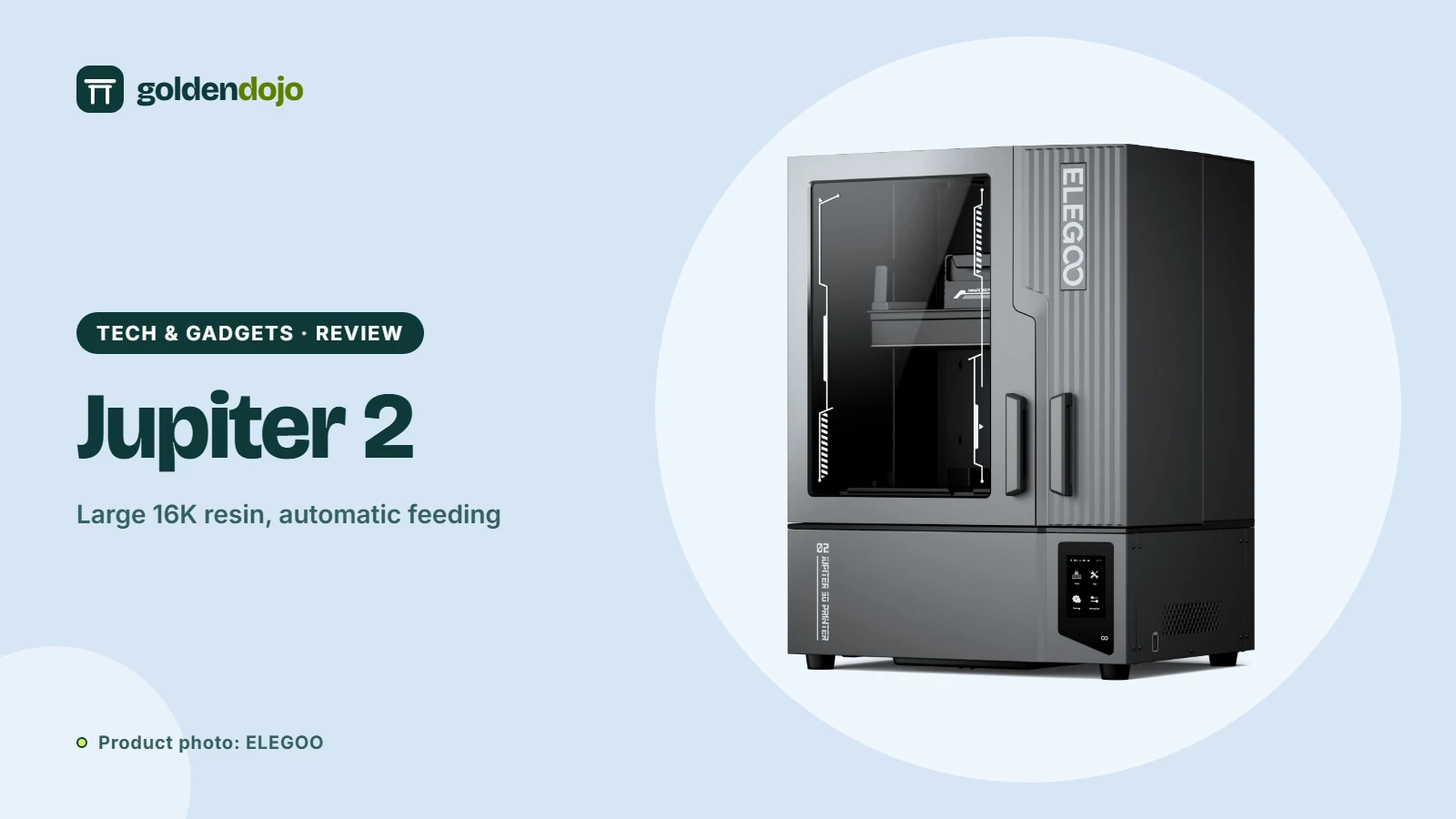
ELEGOO Jupiter 2: a large 16K resin printer with automatic resin feeding
A research-based look at the ELEGOO Jupiter 2: build volume, 16K resolution, automatic resin feeding, camera and who it suits.
Read more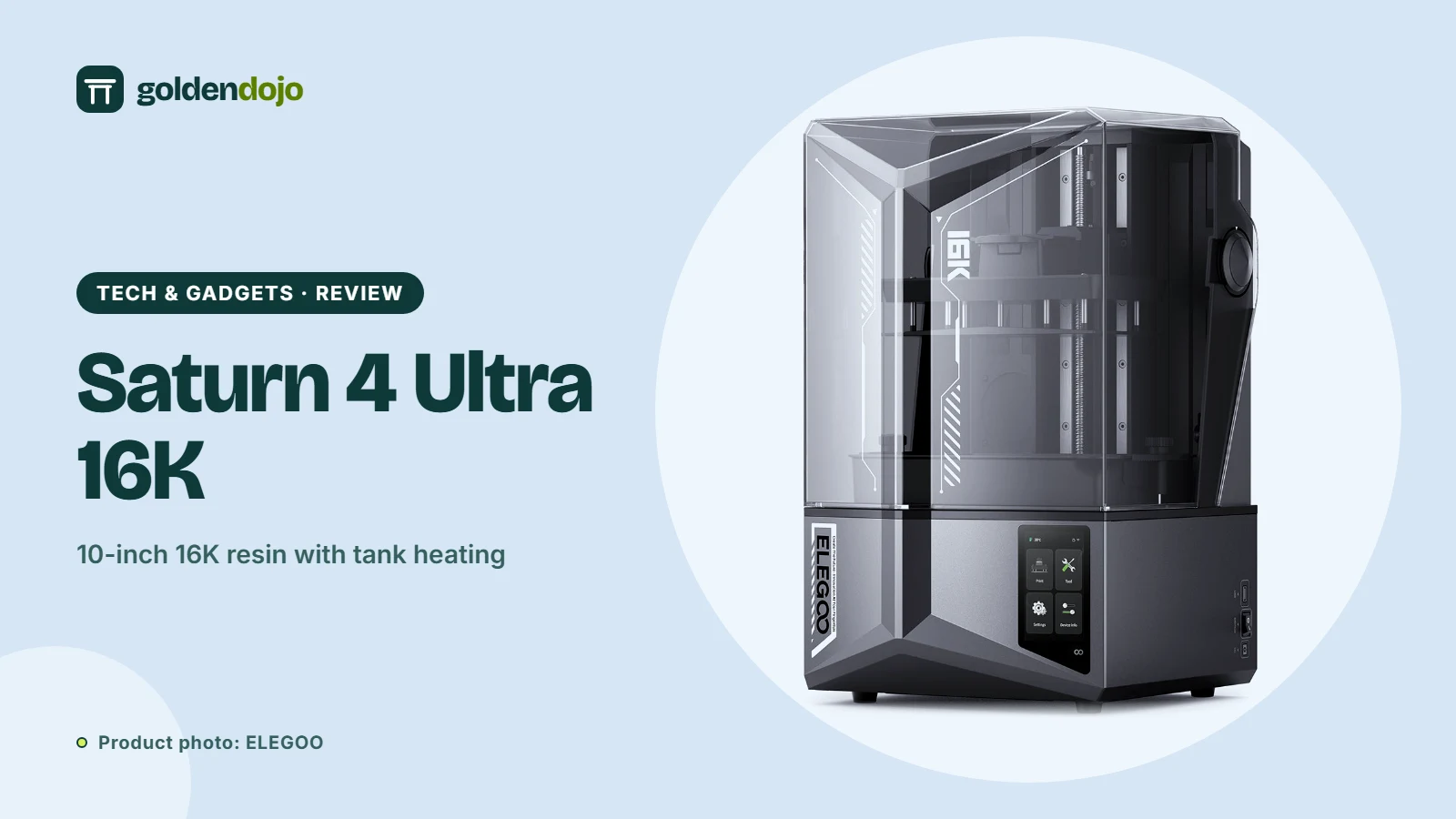 Maker tech
ELEGOO Saturn 4 Ultra 16K: a 10-inch resin printer with tank heating
A research-based look at the ELEGOO Saturn 4 Ultra 16K: resolution, build volume, speed, tank heating, sensors and who it suits.
Read more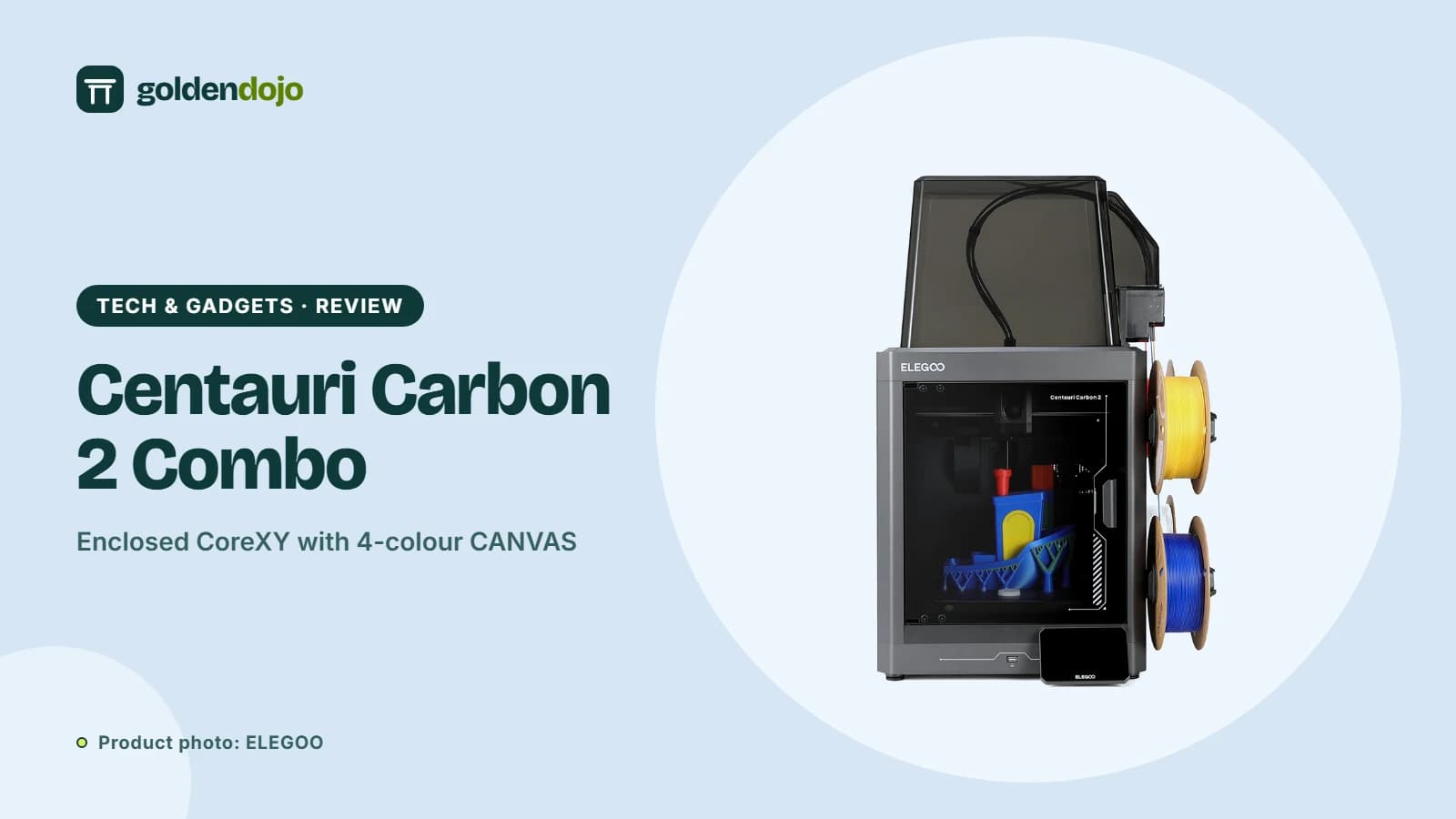 Maker tech
ELEGOO Centauri Carbon 2 Combo: what the multicolor CANVAS setup offers
A research-based look at the ELEGOO Centauri Carbon 2 Combo: build volume, CANVAS multicolor printing, enclosure, sensors and who it suits.
Read more