ELEGOO Phecda laser engraver: 10W or 20W, and what it can cut
A desktop laser engraver and cutter with a 400 × 400 mm work area. How the 10W and 20W versions differ, what safety features ELEGOO lists, and what to check first.
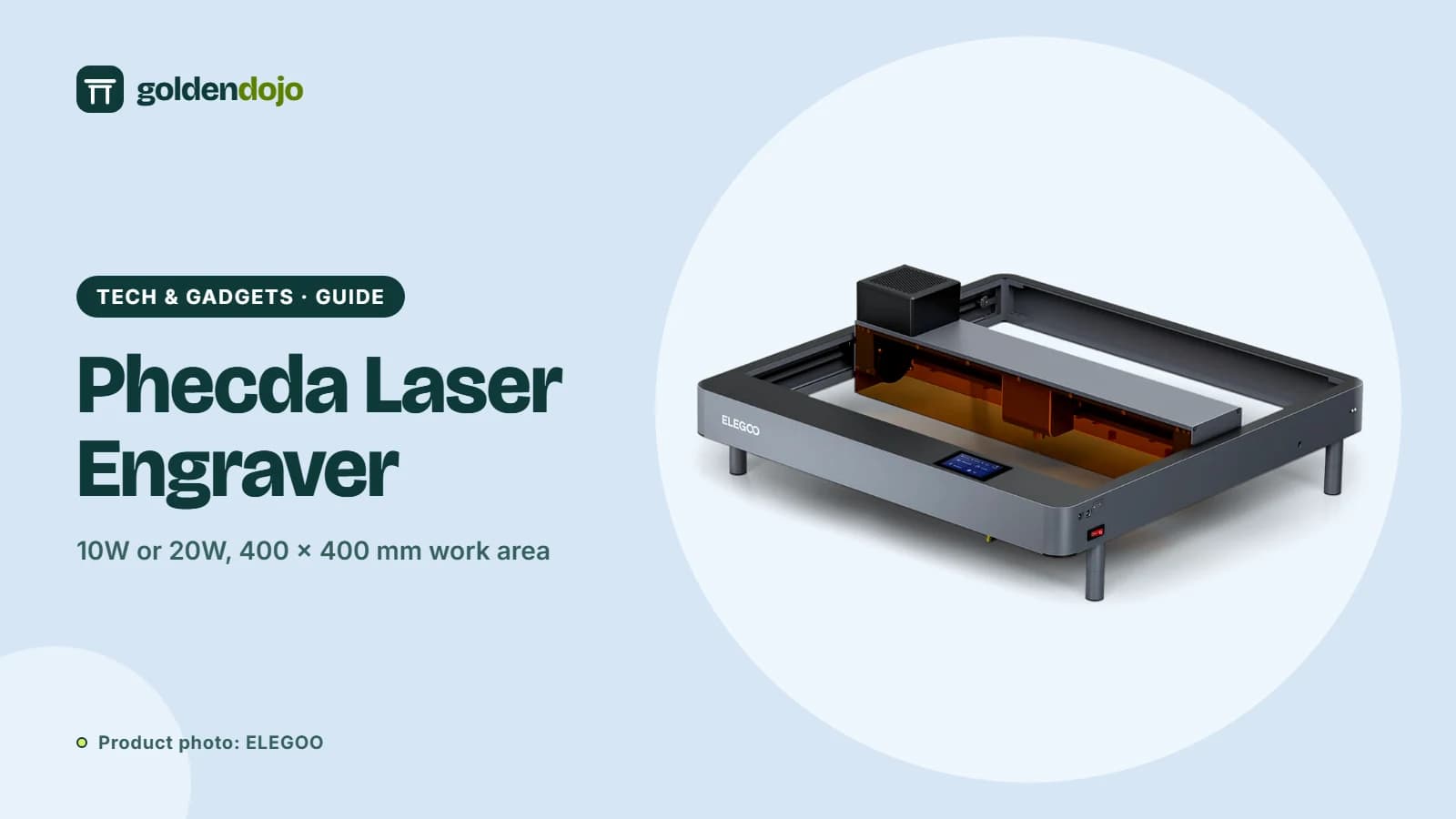
A laser engraver turns a design file into a mark burned into wood, leather, metal or other materials. Cutting is the same idea with more power or slower passes. The ELEGOO Phecda is a desktop machine that comes in 10W and 20W versions and covers a 400 × 400 mm area. It is a different tool from a 3D printer, but it appeals to the same makers. This guide explains the two versions, the safety features and the things worth checking before you buy.
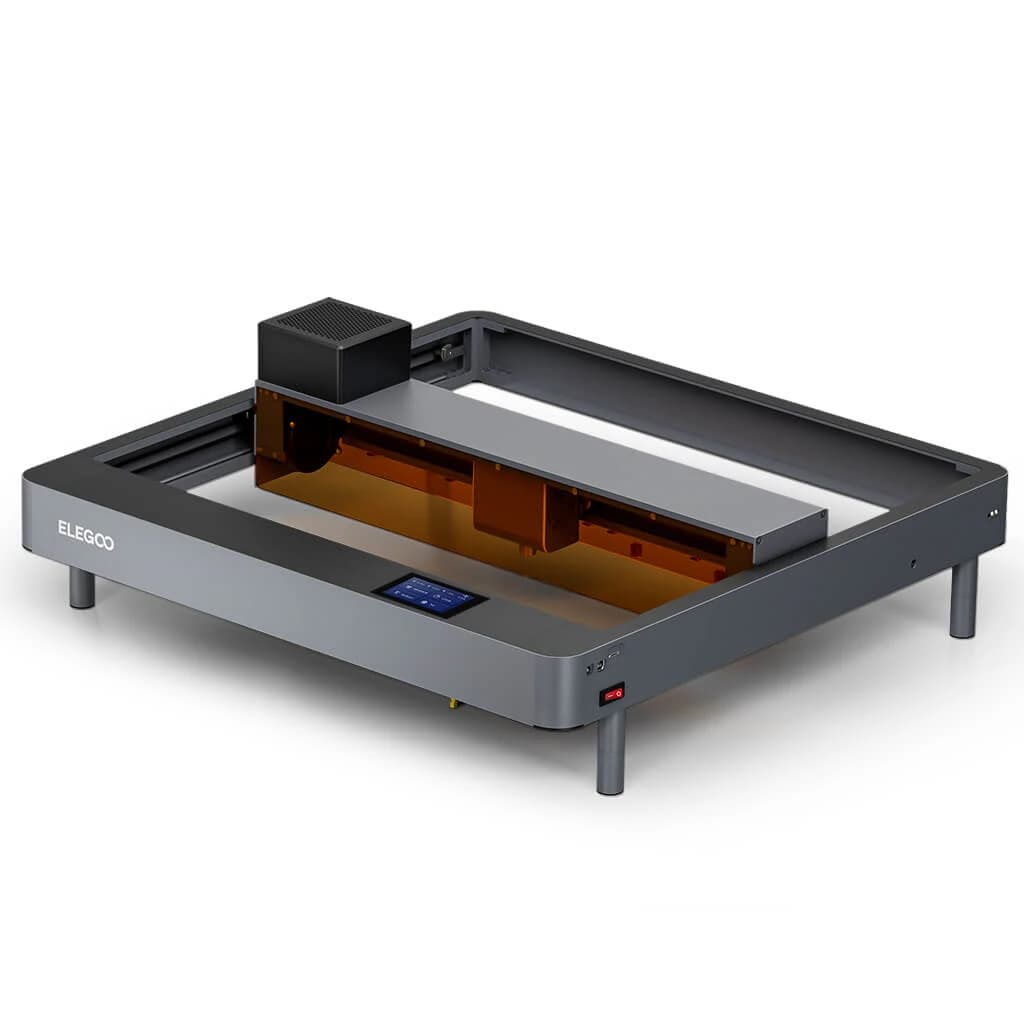
Key features
Two power levels. The 10W version has a 0.06 × 0.06 mm spot size and cuts up to 8 mm basswood. The 20W version has a 0.07 × 0.13 mm spot size and cuts up to 14 mm basswood. Both reach up to 25,000 mm/min engraving speed on the X axis, and 18,000 mm/min on the Y axis.
Work area. 400 × 400 mm (15.75 × 15.75 inches), described as suitable for daily DIY and larger art projects. The machine is 673 × 660 × 190 mm and weighs 6.5 kg (10W) or 6.7 kg (20W). Laser head height is adjustable from 0 to 75 mm.
Smoke filtering. A smoke exhaust filter and two cooling fans on the laser head filter and exhaust fumes and dust. The fans keep running for one more minute after engraving, and the filter cartridge has a detachable cover for replacement.
Safety. A magnetic translucent plate on the Z axis acts as a see-through laser shield and smoke collector. A built-in sensor shuts the machine down and beeps if a flame is detected, and it stops and sounds an alarm if the machine is moved, tilted or flipped. Safety goggles appear in the package contents shown by ELEGOO.
Build quality. An aluminum alloy frame, a silent driver motor, POM V-wheels and a V-groove slide rail with a synchronous belt. The laser head has a horizontal, rail-insertion design for easy replacement, a focal positioning bar and a detachable window mirror.
Control and software. ELEGOO lists compatibility with LightBurn and LaserGRBL, plus control by TF card, USB and app for Windows, macOS, iOS and Android. Supported file formats include SVG, DXF, JPG, JPEG, PNG, BMP and TIF. You can adjust laser power and speed during engraving, and trace the perimeter of the work area first.
Add-ons. A rotary attachment for cylindrical objects and an air assist for cleaner cuts are available, and ELEGOO notes they are purchased separately.
Who it's for
- Craft and gift makers engraving wood, leather and similar materials.
- Small sellers personalizing items.
- Workshop and classroom users who value the safety features.
- 3D printer owners adding another way to make things.
Things to know before buying
- 10W or 20W. Choose by what you cut. ELEGOO lists 8 mm basswood for 10W and 14 mm for 20W, both as maximums for that material.
- Materials. ELEGOO's listing mentions wood, leather and metal for DIY work. Check what a given power level can actually do with a specific material before assuming.
- Power draw. Machine power is 55 W (10W version) or 85 W (20W version), with a 24 V output voltage and a 100–240 V input.
- Packages and variants. There are Basic and larger packages, and 10W versions with an air assist set. Compare what each includes before you pick.
- Eye and fire safety. Use the goggles, never leave a running laser unattended and keep the area clear of flammable items. This is general good practice, not ELEGOO's wording.
- Prices and stock change. Check the store for current details.
What stands out
- 400 × 400 mm work area
- 10W and 20W options
- Flame detection and tilt alarm
- Works with LightBurn and LaserGRBL, plus app control
What to weigh
- Open design with a shading plate, not a closed housing
- Rotary attachment and air assist cost extra
- Cutting depth depends on power and material
- Needs ventilation and careful supervision
Related reading
If you already have a filament printer, the Neptune 4 Pro and the Centauri Carbon 2 Combo cover the 3D printing side of ELEGOO's range.
Reading the claims with a cool head
Cutting depth figures are always tied to a specific material and setup. ELEGOO's 8 mm and 14 mm numbers refer to basswood board, and other materials such as dense hardwoods, leather or metal behave differently, so treat them as a starting point and test on scrap. Engraving speed is likewise a maximum, and good results usually come from slower settings tuned to your material. As with any laser, the safety features ELEGOO lists, such as flame detection and a tilt alarm, are backups and not a substitute for supervision, ventilation and eye protection.
Terms explained
- Spot size. The size of the laser's focused point. A smaller spot (0.06 × 0.06 mm on the 10W version) allows finer engraving detail.
- Engraving versus cutting. Engraving marks the surface. Cutting goes all the way through, which needs more power, more passes or slower speeds.
- Air assist. A stream of air at the cut point that clears smoke and debris for cleaner results. ELEGOO sells it as an add-on.
- Rotary attachment. An accessory that spins round objects such as cups so you can engrave their surface. Also sold separately.
- LightBurn and LaserGRBL. Software for designing jobs and sending them to the engraver. ELEGOO lists both as compatible.
A quick checklist before you order
ELEGOO Phecda Laser Engraver & Cutter
A desktop laser engraver and cutter with 10W or 20W output and a 400 × 400 mm area, per ELEGOO's listing.
Opens the ELEGOO store page in a new tab. Check current price and availability there.
See it in the ELEGOO storeQuestions readers ask
What is the difference between the 10W and 20W versions?
ELEGOO lists a 0.06 × 0.06 mm spot size and up to 8 mm basswood cutting for 10W, and a 0.07 × 0.13 mm spot size and up to 14 mm basswood cutting for 20W. The work area and speed figures are the same.
How big is the engraving area?
400 × 400 mm, or 15.75 × 15.75 inches.
What software can I use?
ELEGOO lists LightBurn and LaserGRBL. The machine can also be controlled by TF card, USB or app.
What safety features does it have?
A flame detector, a tilt and movement alarm, and a magnetic translucent shading plate. ELEGOO also shows safety goggles in the package.
Are the rotary attachment and air assist included?
ELEGOO says they are available but must be purchased separately.
Affiliate notice. Some links on this page may become affiliate links. If you buy through them we may earn a commission at no extra cost to you, and it never changes what we recommend. Read our affiliate disclosure.
Related stories
 Maker tech
ELEGOO OrangeStorm Giga: is an 800 mm build volume right for you?
A guide to the ELEGOO OrangeStorm Giga: build volume, four-zone heated bed, multi-nozzle option, and the practical limits of printing at this size.
Read more Maker tech
ELEGOO Centauri Carbon 2 Combo: what the multicolor CANVAS setup offers
A research-based look at the ELEGOO Centauri Carbon 2 Combo: build volume, CANVAS multicolor printing, enclosure, sensors and who it suits.
Read more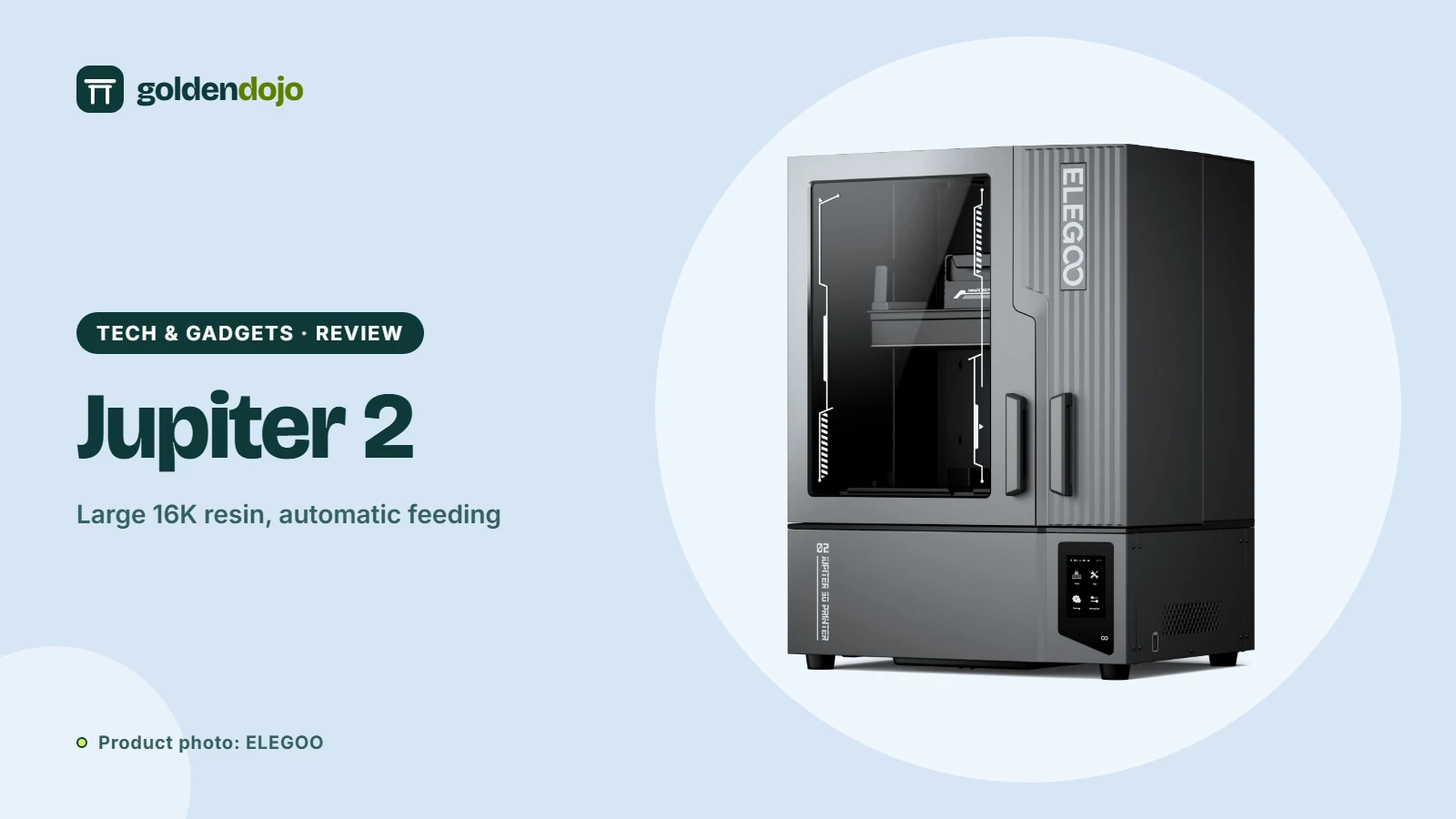 Maker tech
ELEGOO Jupiter 2: a large 16K resin printer with automatic resin feeding
A research-based look at the ELEGOO Jupiter 2: build volume, 16K resolution, automatic resin feeding, camera and who it suits.
Read more