Mechanical keyboards for beginners: switches, sizes and what to skip
Linear, tactile or clicky, full-size or compact, wired or wireless. A short decision path for your first mechanical keyboard.
A mechanical keyboard puts an individual switch under every key, instead of the shared rubber dome used by most office keyboards. That one difference is why they feel different, why they can be repaired and customised, and why the hobby has so much jargon. This guide cuts it down to the handful of decisions that matter for a first purchase.
Switches: the biggest feel difference
Switches fall into three families. The names refer to how a key feels as you press it, not to quality.
| Type | Feel | Sound | Good for |
|---|---|---|---|
| Linear | Smooth, no bump | Usually quieter | Gaming, fast typing, shared spaces |
| Tactile | A bump partway down | Moderate | Typing, general use |
| Clicky | A bump plus an audible click | Loud | People who love the sound and work alone |
Beyond the type, two numbers show up on spec sheets. Actuation force (in grams) tells you how hard you press: light switches sit near 45 g, heavier ones 60 g or more. Travel distance is how far the key moves, commonly around 4 mm. Neither number tells you whether you will like the switch; they just let you compare.
If you cannot try switches in person, a switch tester sampler is a cheap way to find your preference before committing to a whole board.
Size and layout
- Full-size (100%) has the numpad and everything else. Good for spreadsheets and data entry.
- Tenkeyless (TKL, about 80%) drops the numpad, which frees desk space and puts your mouse closer.
- 75% keeps the function row and arrow keys in a tight block. A popular first choice.
- 65% and 60% drop more keys and rely on layers. Compact, but there is a learning curve for the keys you lose.
Pick the smallest size you can use without relying on layers for keys you press every day.
Features worth paying for
What to skip on a first board
- Exotic switches and expensive group buys. Learn your preferences first.
- Heavy RGB. It adds cost, drains wireless batteries and is the first feature most people switch off.
- Extra-small layouts you have not tried. A 60% layout is wonderful for some and frustrating for others.
- Kits that need soldering, unless you specifically want a project.
Wired or wireless
Wired keyboards have the lowest latency and no battery to charge. Modern wireless connections are good enough for most work and gaming, but check the stated battery life with backlighting on, and whether the keyboard can pair with more than one device. If you plan to game competitively, a wired connection removes a variable.
Why mechanical keyboards appeal
- Repairable and customisable, with replaceable switches and keycaps
- Consistent feel across thousands of presses
- Many layouts and sizes to match your desk
Things to weigh first
- Louder than most membrane boards, which matters in shared spaces
- Typically heavier and pricier at the start
- Compact layouts need time to learn
A simple decision path
- Choose a size you can live with: 75% or TKL if unsure.
- Choose a switch family: tactile for general typing, linear for quiet or gaming, clicky only if sound is a feature.
- Insist on hot-swap sockets so the first choice is not final.
- Set a budget that leaves room for a case of replacement switches or keycaps later.
Keycaps, stabilisers and the sound of a board
Most of what you hear comes from three places. Keycaps shape the pitch: thick PBT caps usually sound deeper than thin ABS caps. Stabilisers keep long keys like the spacebar and shift level; poorly tuned ones rattle, and good boards ship with them lubed or easy to adjust. The case and plate decide whether the board sounds hollow or solid, and foam inside helps.
If sound matters, read written descriptions and listen to recordings from several sources, remembering that microphones and rooms colour what you hear.
Care and longevity
Keep drinks away from the keyboard. Brush out crumbs with a soft brush or compressed air, and wipe the case with a slightly damp cloth. Hot-swappable boards let you replace a single failing switch, which is one of the main long-term advantages over a dome keyboard. Check the warranty terms and whether the maker publishes the layout files and firmware so the board stays useful if the company changes direction.
What to shop for: a hot-swappable 75% board with PBT keycaps
It covers the features most first-time buyers end up wanting, and the hot-swap sockets let you change switches later.
Placeholder link: affiliate links will be added here. Check current prices at the retailer.
Browse optionsQuestions readers ask
Are mechanical keyboards better for typing?
They are more durable and customisable, and many people find them more comfortable, but whether you type faster is individual. Comfort and feel are the real differences.
What is the quietest type of switch?
Linear switches are usually the quietest, and foam or gasket-style cases reduce hollow sounds. Silent-branded switches exist, but sound also depends on keycaps and case design.
Do I need to lubricate switches?
No. It is a hobby upgrade that changes feel and sound, not a requirement.
Will a mechanical keyboard work with my laptop or tablet?
Most connect via USB or Bluetooth and work across operating systems, though some layout and remapping software supports only certain systems. Check the maker’s compatibility notes.
Affiliate notice. Some links on this page may become affiliate links. If you buy through them we may earn a commission at no extra cost to you, and it never changes what we recommend. Read our affiliate disclosure.
Related stories
Noise-cancelling headphones under $300: what to look for before you buy
How to choose active noise-cancelling headphones: comfort, codecs, battery, call quality and the claims worth ignoring.
Read more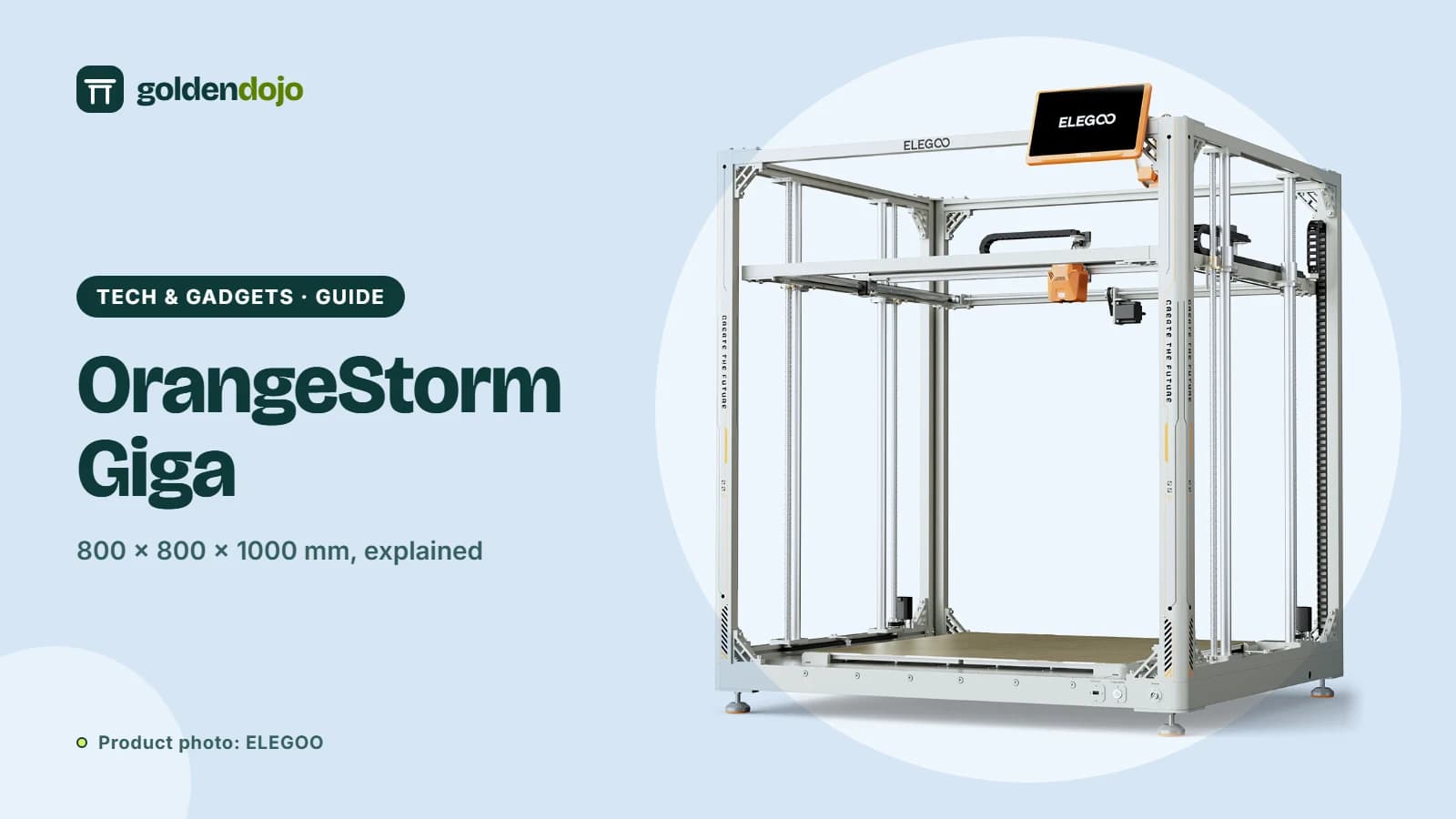 Maker tech
ELEGOO OrangeStorm Giga: is an 800 mm build volume right for you?
A guide to the ELEGOO OrangeStorm Giga: build volume, four-zone heated bed, multi-nozzle option, and the practical limits of printing at this size.
Read more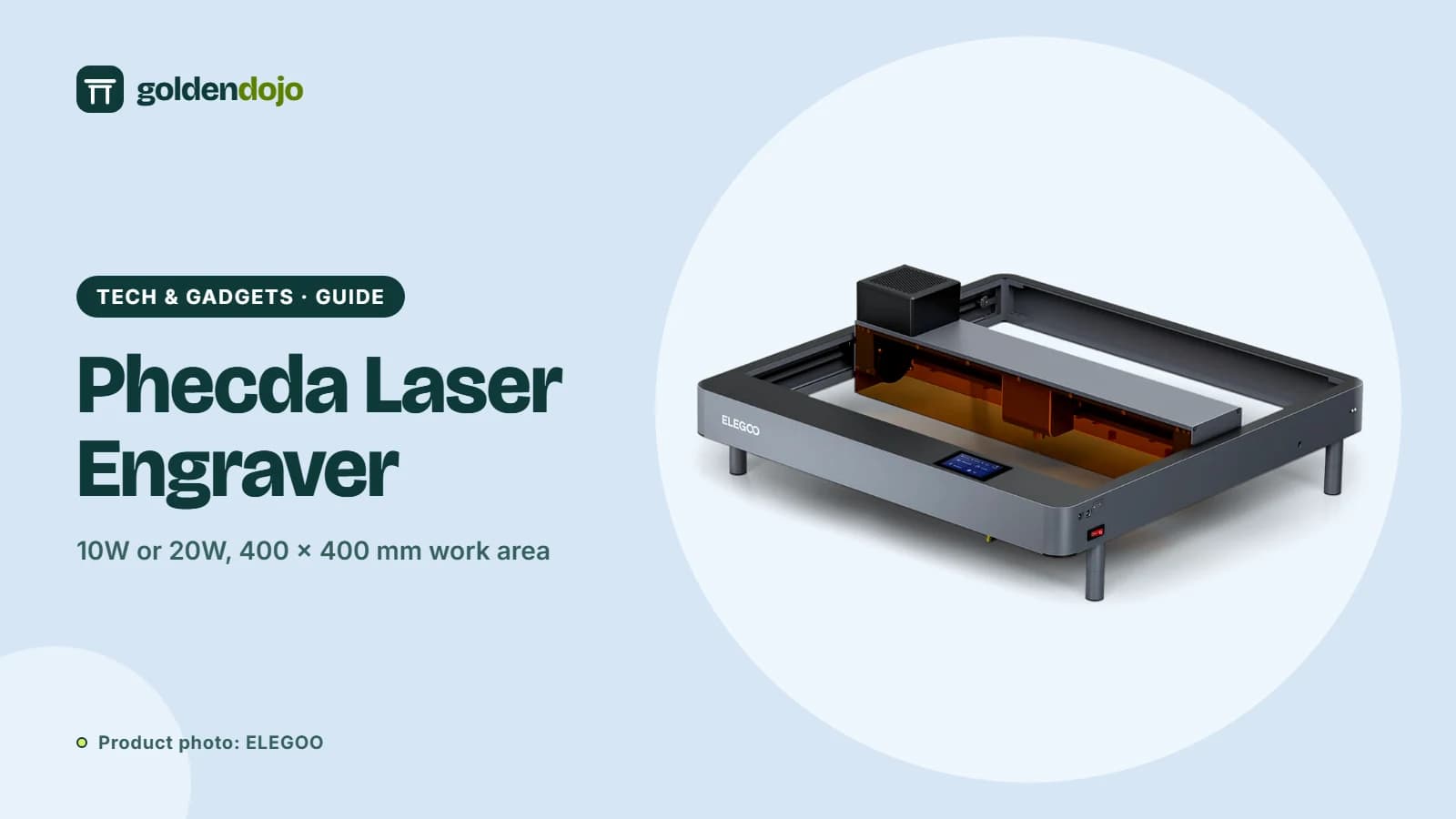 Maker tech
ELEGOO Phecda laser engraver: 10W or 20W, and what it can cut
A guide to the ELEGOO Phecda laser engraver and cutter: 10W vs 20W, work area, materials, software, safety features and add-ons.
Read more